Scan documents, photos, receipts, and notes by capturing images with your device. Crop, rotate, and enhance scanned content. Save files in PDF or image formats. Share scans via email or messaging apps.
PDFs by adding text, signatures, and annotations. Rearrange pages, merge files, and convert formats. Organize documents with folder management and search. Export in various formats and share directly.
Scan documents into high-quality PDFs using your phone's camera. Edit scans with cropping and rotation tools. Add signatures and annotations. Share or email documents directly. Save and organize scanned files in a digital folder.
Detects cameras using AI scanning and infrared sensors. Identifies wired and wireless devices. Analyzes camera risks and provides protection guidance. Offers real-time updates on new camera technologies.
Allows users to scan physical documents into digital formats. Features include automatic detection, cropping, and saving as PDF or image files. Users can annotate, add text, and share scanned documents via email or messaging apps.
Receipts using camera or file import to extract data such as date, seller, and amount. Use OCR to select and input specific text. AI auto-detects and learns new fields for accurate tracking. Create expense categories and view summaries.
Create and manage PDF documents by scanning, editing, and signing files. Extract text from PDFs and import various file types. Reorder, rotate, duplicate, or delete pages. Scan multiple pages at once with smart edge detection.
Scan documents, IDs, and books with auto-correction and perspective adjustment. Extract text and erase unwanted elements using AI. Enhance images for clarity and export as PDF or JPG.
Calculate room dimensions using device camera or manual input. Create detailed plans with drag-and-drop elements. Measure areas and automatically calculate total space. Export plans as PDF or image files. Add notes and annotations for clarity.
Scan documents, photos, and notes with high-quality image capture. Edit scans with cropping, rotation, and brightness adjustments. Save files in PDF, JPG, or PNG formats. Share scans via email, messaging, or cloud storage.
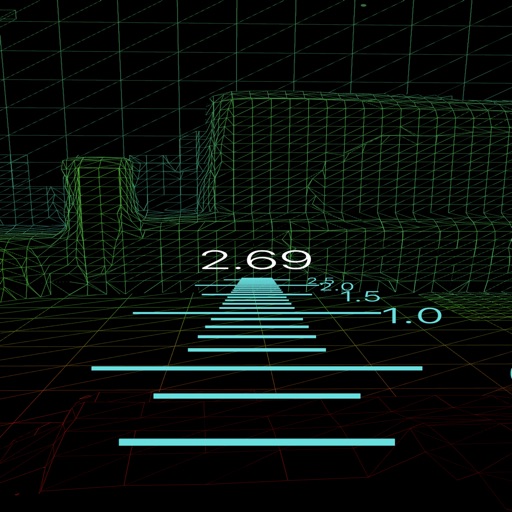
Create 3D face scans for use with high-resolution mesh quality. Align scans with intraoral data for precise CAD integration. Export scans for use in software workflows.