
AI Receipt Scanner: Smart Scan
Receipts, extract data, track expenses
Evyasaf Mordechai
iPhone Screenshots



Description
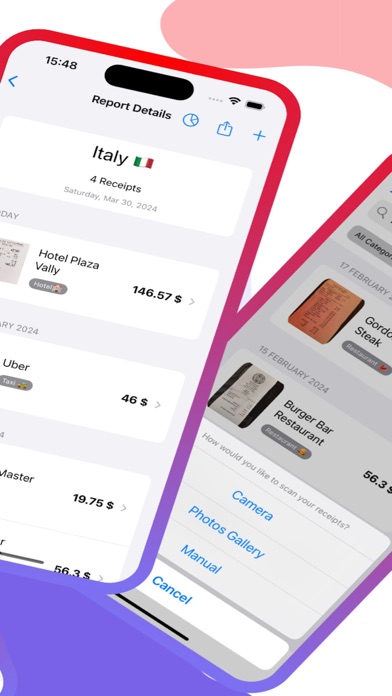
Receipts using camera or file import to extract data such as date, seller, and amount. Use OCR to select and input specific text. AI auto-detects and learns new fields for accurate tracking. Create expense categories and view summaries.
Tired of paper receipts cluttering your wallet?
AI Scanner is your one-stop solution for effortless receipt management and expense tracking.
Here's how AI Scanner helps you:
Scan & Extract:
Use your camera or import receipts to automatically capture data like date, seller, amount, and more.
AI-Powered Magic:
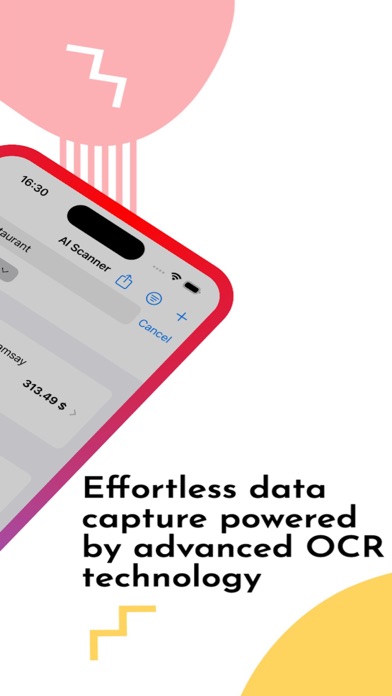
Discover OCR lets you select specific text for easy data entry, while AI auto-detects new fields and learns the meaning of added fields.
Seamless Expense Tracking:
Effortlessly create expense reports and track spending with categorized receipts. No more manual data entry!
Powerful Features:
Visualize expenses with pie charts, search all receipt content, and export/share data in PDF or CSV format.
Benefits:
Save Time:
Eliminate tedious manual data entry and streamline expense tracking.
Stay Organized:
Store all receipts in one place, neatly sorted by date and category.
Go Paperless:
Reduce paper clutter and become more eco-friendly.
Additional Information:
- High-quality scanning with multi-receipt support.
- Lightweight and fast app with minimal device storage usage.
- Secure local data storage on your device.
Download AI Scanner today and experience the future of receipt management!
Privacy policy: https://sites.google.com/view/receiptsscanner-privacypolicy/home
Terms&Conditions: https://sites.google.com/view/receiptsscanner-terms/home