Learn knitting and crochet techniques through structured lessons and live events with expert instructors. Access a community for feedback and support. Track progress and complete projects with guided tutorials and pattern libraries.
by Knit Collage LLC★ 5.0132 ratingsEducationFreeData updated 2026-09-06
HC MAKER - PHOTO LOGO BACKGROUND EDITOR APPS FOR FREE
Create images with AI
Create images using AI-generated visuals based on text prompts. Adjust styles, colors, and details. Save and share edited images directly. Export in various formats for different uses.
Create collages by importing images from the camera roll. Combine photos using hundreds of . Adjust and rotate individual images. Add text and artwork with Pro. Share collages on Instagram.
The app allows users to create animated cartoons by acting out scenes with characters. Finished projects can be shared via email, Facebook, or by copying the video file.
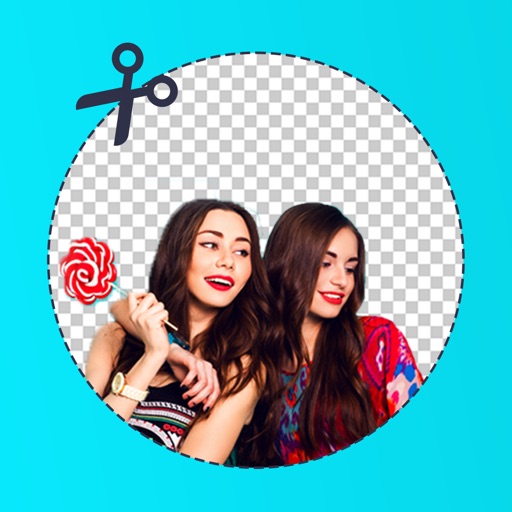
Edit photos by removing backgrounds with mode, object extraction, and quick select tools. Use transparent backgrounds for stamps and collages. Share edited images directly with other apps.
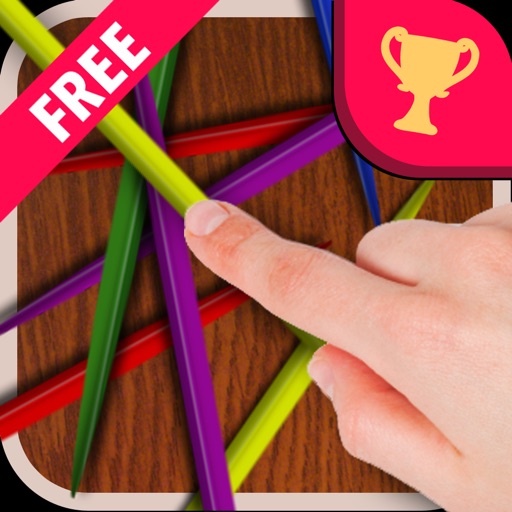
Play a stick picking game with four modes: Casual, Arcade, Time Attack, and Creative. Challenge online players in real-time multiplayer sessions. Track progress and compete for high scores. Customize patterns and adjust difficulty settings.
Explore numbers through interactive games and animations. Learn to count, add, and subtract with engaging activities. Watch animated characters come to life and solve problems. Complete challenges to reinforce math concepts.
Learn Forex basics through 11 simple lessons. Understand currency exchange markets and investment strategies. Practice techniques without complex terminology. Track progress and complete interactive exercises. Export materials for offline study.
Explore and craft activities with interactive experiments, printable templates, and creative projects. Track progress with goal setting and achievements. Share results and stories with family members.
Browse a wide selection of canvases and fibers for projects. View product details and pricing. Place orders and track shipments. Access customer support for assistance with purchases and inquiries.
Create PIP photos and collages using frames, filters, and effects. Add text, stickers, and adjust brightness and contrast. Share edited images directly or save to the gallery.
Create and refine sketches with drawing tools, layer management, and color customization. Annotate drawings with text and shapes. Save and export artwork in various formats. Import and edit existing sketches. Share completed drawings directly.
Create flipped collages by selecting images from the library and applying predefined styles. Share collages directly to social media with one tap. Update the for improved performance and enhanced user experience.
Create interactive art with sticks and rings, then animate it using the device camera. Develop cognitive and creative skills through hands-on play. Sync with Base for iPad to view animations and track progress.