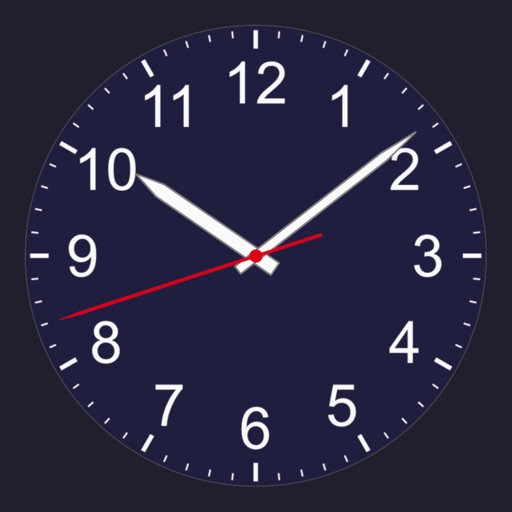
A that remains dark except when needed. Display hides after adjustable time interval. Tap screen to view time, which disappears again after the interval. On iPhones in portrait mode, wave hand to activate time display via proximity sensor.
Set time format to 12 or 24 hours. Display date and calendar information. Adjust screen brightness. Use interactive to view seconds. Choose from 100+ watch faces and themes. Add transparent to home screen. Show full screen .
With symbolic algebra, equation solving, and calculus functions. Supports fractions, repeating decimals, and high-precision numbers. Displays results as simplified expressions or numerical values.
Control analog styles with screen swipes. Toggle date and second display. Set reminders or notifications. Adjust brightness for optimal visibility. Minimize power usage for extended battery life.
Set alarms based on specific zones to ensure they trigger at the correct local . View current for any city. Sync alarms across devices. Adjust zones instantly for accurate scheduling.
Set alarms with loud, customizable ringtones to wake up quickly. Play a game to stay alert after waking. Lock the to prevent accidental reopening. Adjust volume and timer settings for personalized use.
Set alarms for multiple time zones. Add clocks for different locations and schedule alarms based on specific times. View current time in selected time zones and receive notifications when alarms trigger.
Control Bluetooth devices wirelessly from an iOS device. Adjust lighting modes, colors, and brightness. Manage audio settings including volume and modes. Customize alarm functions for sleep, nap, and alarm schedules.
Turn your iPhone or iPad into a functional watch with a always-on . Adjust brightness manually. Set countdown timers up to 24 hours. Use Pomodoro Technique with 25-minute intervals and 5 or 10-minute breaks.