Convert documents, receipts, business cards, QR codes, and barcodes into high-quality scans. Automatically enhance image clarity for better readability. Batch scan multiple items at once. Save and share scans in PDF format.
by PayPro Media LLC★ 4.644 ratingsProductivityFreeData updated 2026-09-06
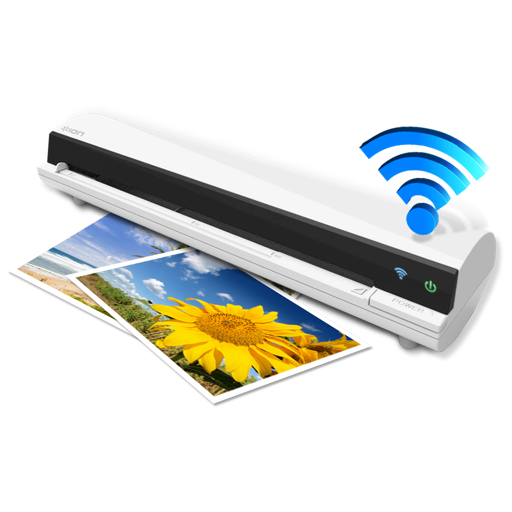
The app works with the ION Air Copy hardware, a portable Wi-Fi scanner. It scans photos, receipts, business cards, notes, and documents up to US Legal size directly to a Mac, then shares them via email or social networking.
Convert physical documents to high-quality PDFs by scanning with the camera. Correct image distortion using smart calibration. Export scans and share files directly.
The app scans paper documents using the device camera and converts them into PDFs. It offers folder organization, iCloud synchronization, PDF encryption, and the ability to append pages to existing documents.
Scan documents and detect text using OCR. Save files in PDF, JPEG, Word, or TXT formats. Share scanned documents directly. Edit and annotate scanned pages. Organize files in folders. Export as editable text or images.
, photos, receipts, or other materials into clear, sharp images or PDFs. Adjust color, remove shadows, and correct perspective. Save, email, print, or upload to cloud. Combine multiple scans into one PDF using batch mode.
The app downloads scanned images from compatible wireless scanners to an iOS device. Users can then edit, optimize, save, or share these documents directly from their device.
Create and manage PDF files directly on your device. View creation history, search by name, sort by date, size, or page count. Rename files, share via built-in tools, and duplicate documents for editing.