On with precise tools. Add text, shapes, and stickers. Insert layers and blend images. Create collages with frames and stamps. Design custom stickers and share directly via iMessage or the .
Pollux Bilisim Teknolojileri Sanayi ve Ticaret Limited Sirketi
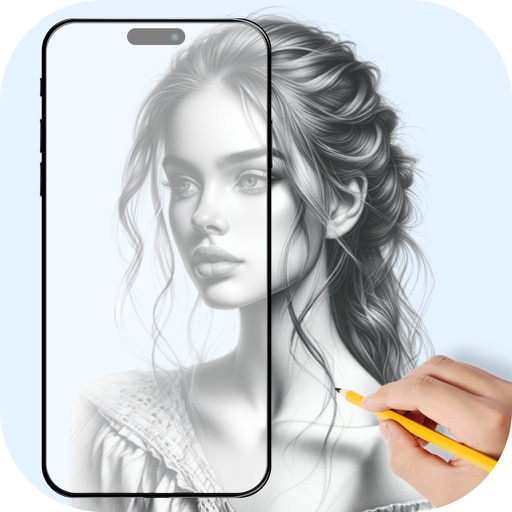
Sketch on photos with AR
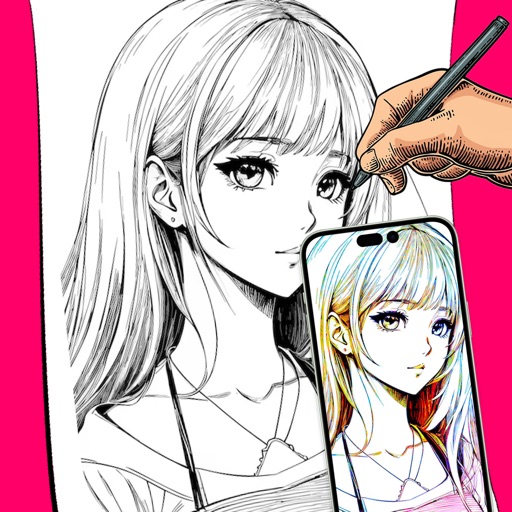
Use AR to sketch and draw on photos with realistic ink effects. outlines or create pencil sketches from images. Convert photos into artistic drawings with AI-powered tools. Save and share finished artwork directly.
Create portraits with customizable features like accessories, eye shape, lip style, and hairstyles. Draw easily with detailed tools. Export and share finished sketches.
Play games with voice interaction and real-time multiplayer. Sing songs, play Ludo, solve spy missions, and draw with others. Compete in games that test creativity, reasoning, and teamwork. Share performances and interact through voice chat.
Create custom grids over reference images or drawing surfaces. Set grid dimensions and adjust spacing. Transfer intricate details square by square. Export drawings in multiple formats. Share directly from the .
Create animations using a drawing interface with tools for sketching and refining artwork. Import images or draw frames manually. Export animations as GIFs or videos. Share creations directly from the .
The app provides step-by-step drawing lessons for various subjects like animals, cartoons, and anime. It also includes coloring pages with an online catalog for users to paint images.
The app offers a digital coloring experience with over 120 free animal pictures. It features a stay-in-line brush, nine brushes for painting and drawing, and 50 pattern brushes for a unique coloring book and drawing pad.
Create still or animated drawings that flow and evolve. Use generative brushes for natural, responsive sketching. Design fluid artwork for backgrounds or sharing. Adjust brush settings for precise control. Export drawings in various formats.
Create digital illustrations with painting, coloring, and drawing tools. Use multiple layers, customize brushes, and mix colors for precise control. Apply textures and save or share artwork directly.
Educational for preschoolers offers tracing activities with glowing letters and numbers. complete outlines to animate drawings like butterflies and rockets. Includes 100+ templates for creative play and learning.
Create drawings with Apple Pencil support. Use grid or lined backgrounds. over existing images. Save square images. Add widgets to showcase drawings on the home screen. Enable multitasking and multi-window features on iPadOS.