Edit photos by applying recommended background colors and color combinations. Adjust color schemes with two fingers. Blur backgrounds and select from multiple color options. Access photos from the album and make edits directly.
Create movies by combining short and rearranging them. Add multiple texts and background music from the or your own files. Adjust brightness, contrast, exposure, hue, and sharpen settings for each clip.
Crop and trim clips, split or duplicate segments. Adjust position, rotate, or flip. Apply filters and customize background color. Merge videos and change playback speed for slow or fast motion.
Edit photos with filters, effects, and AI tools to remove or blur backgrounds. Add stickers, text, and frames. Apply glitch, neon, and drip effects. Adjust colors and crop images. Export and share edited photos directly.
Create large tiled banners from photos for Instagram. Adjust size, add photos, and scale or move images. Save tiled banners to your album and upload to Instagram.
Take photos with using online filters for , scenery, food, and travel. Edit images with numerous stickers and auto-enhancement tools. Export and share edited photos directly.
Take photos or select from gallery. Apply beauty filters and edit selfies. Use over 240 filters and 800+ stickers. Crop photos and adjust sizes. Edit photos with built-in effects and blending tools.
Edit photos with advanced tools like layers, masks, and adjustment brushes. Crop, rotate, and resize images. Add text, stickers, and special effects. Export in various formats and share directly.
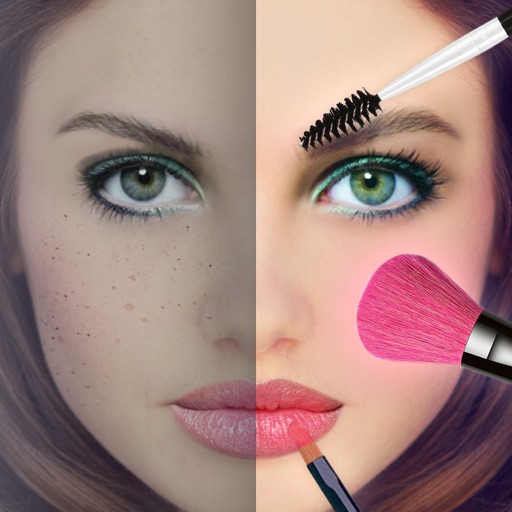
Take photos with real-time beauty filters and effects. Apply makeup and adjust skin tone instantly. Use photo filters to enhance images. Create collages by combining multiple photos. Edit with blur, whiten, and other tools.
Edit photos with AI-powered lighting correction, exposure adjustment, and shadow detail enhancement. Retouch faces and bodies, experiment with makeup and hairstyles, and create collages or videos. Share edited content directly.