
Apps Like Water Eject for iPhone and iPad
From your speaker
Use sound frequencies to dislodge from phone speakers. Tap to initiate the process. Clear trapped and restore sound quality quickly. No need for manual cleaning or drying methods.
Ranked alternatives
Showing 121–140 of 1,000 ranked alternatives.




Clean Wave - Clear Speaker
David Krejci
Play sounds, speakers, measure noise
Play sounds at defined frequencies between 0Hz and 25kHz. Use the noise meter to measure sound levels. Test speakers with quality audio for sound output.
Speaker Cleaner & Sound Boost
Guven Pazarlama Tekstil Sanayi Ve Ticaret Limited Sirketi
Clarity with AI
Clean speakers and eject water using AI-powered wave technology. audio quality for clearer . Enhance iPhone and AirPods volume and clarity without physical cleaning tools.

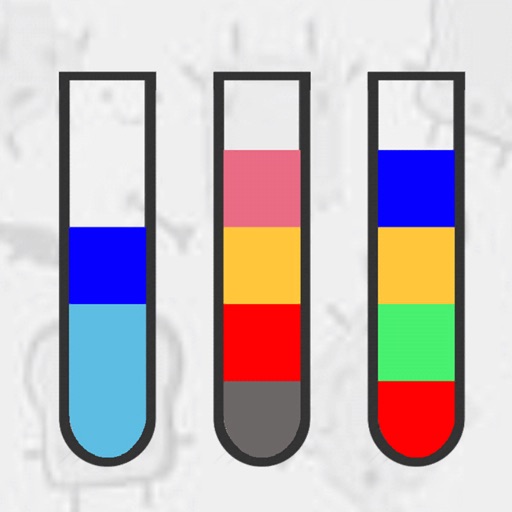
Water Roll 3D -Color It Puzzle
Hanh Dao Duc
Pour between linked bottles
Pour between connected bottles of the same color. Tap a bottle to transfer to another linked bottle with available space. Track levels and manage bottle connections.


Remove Water From Phone App
Emirhan Erozkan
Play sounds
Use the speaker removal feature to play specific sounds that help eliminate the speaker. Create custom tones with the frequency generator. Measure sound levels in decibels and detect dominant frequencies using the built-in meter.
Cleanup Nova
宇杰 辛
View photos, delete duplicates, free space
View storage usage and free space. Identify and delete similar, blurry, and duplicate photos. Remove screenshots, large files, and unused albums. Monitor CPU load and battery health.


Anti-Theft Guard
Jaypalsinh Jadeja
Alert when phone is moved
Alerts users with a siren when the phone moves or someone tries to remove it from charging. It ejects the SIM card and triggers proximity alerts. The includes passcode protection and notifications for 100% charging.


DiskMate
Tom Biel
Eject drives with a shortcut
Eject all connected drives with a single click or global shortcut. Receive alert sound and screen flash when all drives are ejected. Configure custom shortcuts and exclude specific drives. Hide drives from the list and view storage details.

Water Eject – Speaker Cleaner
ITincubator UAB
Clean speakers, optimize audio quality
Clean speakers with auto cleaning modes: Light, Normal, or Intensive. Remove noise and enhance audio clarity. Adjust equalizer settings for personalized sound. Schedule cleaning tasks and monitor performance metrics.
How we rank alternatives
Apps are ranked by functional similarity, category fit, rating confidence, and popularity.