
iPhone Screenshots

Description
Eject all connected drives with a single click or global shortcut. Receive alert sound and screen flash when all drives are ejected. Configure custom shortcuts and exclude specific drives. Hide drives from the list and view storage details.
Eject all your drives with one click or global shortcut before you unplug your MacBook.
- Eject all drives with one click
- Alert sound and screen flash indicating when all drives have been ejected
- Configure global shortcut to eject all drives
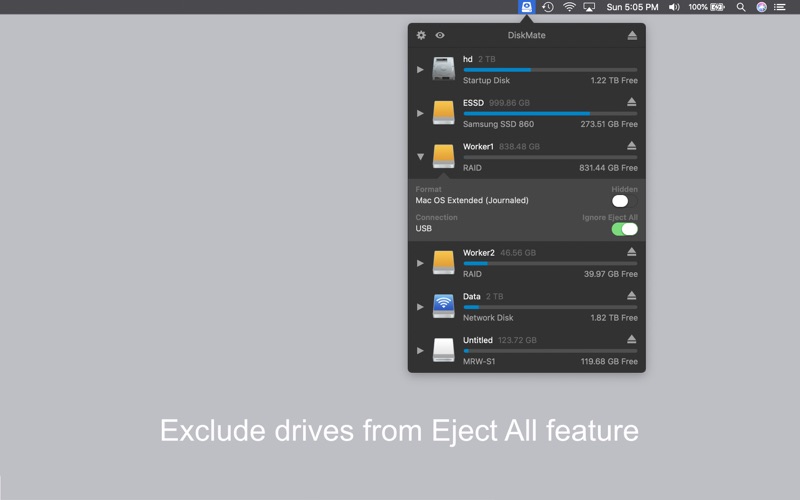
- Exclude drives from Eject All feature
- Hide drives from list
- See total storage and free space in list
- Easy access using Status Bar icon
- Mount, unmount notifications