The app displays a zoomable map that moves with the aircraft and shows key flight variables. Users can select different map types, aircraft icons, and units of measurement for a personalized flight simulation experience.
Manage checklists, navigate flight data, and control aircraft systems via voice commands. Access weather, fuel, and flight plan information. Set reminders and receive alerts. Sync with flight instruments and log flight details.
Download and view FAA airport diagrams and facility directories offline. Access airport maps, frequencies, elevation, and helipad information. Find nearby airports and save favorites for quick access. Update charts monthly for accurate data.
Track flight paths and monitor navigation accuracy
Monitor flight paths and avoid GPS-denied areas. Set waypoints and track altitude. Receive real-time alerts for navigation anomalies. Sync with flight planning software for accurate route adjustments.
Track flight arrivals and departures at . View terminal, gate, baggage area, and flight status. Search flights by city, gate, flight number, terminal, or baggage area. Receive updates on delays or cancellations.
Calculate prayer times during flights using waypoint coordinates and altitude. Determine prayer times en route with ground speed and track data. Sync with flight plans for accurate timing.
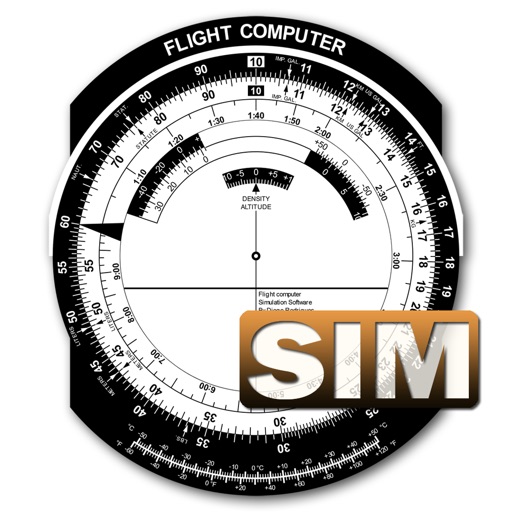
A utility simulates an E6B slide ruler for aircraft pilots. Perform conversions, wind corrections for low and high speed. Rotate, slide, and pinch zoom for precise control. Includes three calculation modes.
Calculate aircraft weight and balance using real-time data. Input aircraft details and load configurations. ccurate W&B reports. Share results with instructors and flight managers. Sync with management systems for updated information.
Study for aviation with subject-specific questions and practice tests. Access over 750 questions covering all subjects. Track progress and review answers for and FAA . Receive structured guidance to prepare for pilot licensing tests.