Start, stop, and reset a timer with dedicated buttons. Track elapsed time even when the is closed. Simple interface allows intuitive operation without unnecessary features.
by taichi sato★ 0.00 ratingsUtilitiesFreeData updated 2026-09-06
Track and manage game scores without manual entry. Customize team names, add and adjust bonus points, set winning scores, and delete last entries. Scores are saved automatically even when the is closed.
Track prayers with a simple and functional interface. Record prayer sessions, set goals, and use a counter to maintain consistency. Supports dark mode for reduced eye strain.
Create and save multiple timers with customizable settings. Set time limits for color changes and thresholds. Adjust colors and animations. Track elapsed time with inverted colors after reaching zero. Control timers with simple touch gestures.
Allows debugging with real-time traffic monitoring and packet inspection. Supports protocol analysis and request/response viewing. Requires VPN authorization for operation. Does not store user data.
Track multiple athletes across events with unlimited stopwatches. Display up to 180 stopwatches on an iPad Pro. Create unlimited races and manage timing for each event. Start, stop, and reset timers individually. Export results and sync with devices.
Track shooting performance with start/stop timers and lap functions. Record and analyze timing data for drills and competitions. Set targets and monitor accuracy metrics. Sync results across devices and export data for review.
Solve puzzles by taking a or entering the grid manually. The processes the puzzle and provides instant results. Works any grid size and doesn't require an internet connection. Features an intuitive interface and clean design.
Protects private with a password and biometric unlock. Access secured info with a master password. Automatically locks with password login screen when is closed or in background.
Track and dice updates in real time. Share with friends via tested . Access a simple interface for managing and updates. Syncs with other apps for seamless sharing.
A calculator with large buttons and a big display. Perform addition, subtraction, multiplication, and division. Features a Retina display for clear viewing.
Pro helps users remove unnecessary files to free space. It allows deletion of unwanted photos, videos, contacts, and calendar entries. Users can clean up cached data and optimize device performance.
Optimize storage by removing duplicate photos and videos, blurry images, and large files. Merge contacts and secure private files. Use AI to identify and delete unnecessary data quickly.
Calculate GPA by adding grades and credits with two taps. Remove grades by swiping or tapping. Clear all grades by holding. Track academic performance with simple, intuitive controls.
The app provides a simple and intuitive interface for performing calculations. It supports multiple number systems and includes various conversion tools.
For coaches allows recording lap, split, and total time. Use volume buttons to start and stop. Create and select participants. Add notes and comments. Clear time for next interval.
Track neck tilt during sessions and receive background alerts. Set daily goals and use timers for focused improvement. Syncs with AirPods to monitor without additional devices.
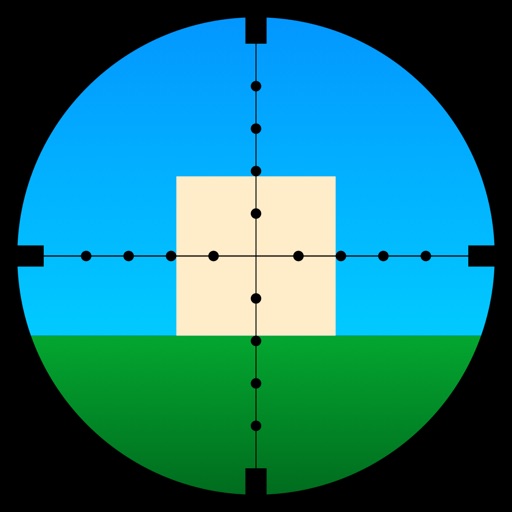
Learn to use a -Dot Riflescope with real-time range calculations in yards and meters. Perform target range estimation quickly using a simple graphical interface. One-handed operation eliminates manual input for range measurements.
Track and count items, tasks, inventory, or scores with a simple interface. Add, remove, or reset numbers manually. Save and view data for multiple categories. Share or export counts as needed.
Record notes with high-quality audio at 8-41.1KHz sample rate. Save recordings as memos. Share files directly. Features include simple interface, instant start, and no additional requirements.