Text editing with live Markdown syntax highlighting and HTML preview. Sync across iPad, iPhone, and Mac via iCloud. Use typewriter mode for focused writing. Track word, symbol, and sentence counts. Support tags and document browsing.
Create and modify with intuitive CAD tools. Add notes, measurements, and annotations. Export designs in various formats. Collaborate in real-time with team members. Track project progress and revisions. Share files via email or cloud storage.
Provides for reports, resumes, flyers, and social media visuals. Users can customize layouts, graphics, and infographics. Access a large collection of pre-designed elements to enhance document creation.
Allows users to view, edit, import, and export PDF, Word, Excel, and PowerPoint files. It includes Writer for document creation and editing, Calc for spreadsheet calculations, and supports full OpenOffice functionality.
Take notes on an iPad and use AI to generate insights and organize ideas. Add smart stickies with different functions like reminders, questions, and summaries. Edit notes, tag content, and search for specific information.
Create and organize notes with a freeform canvas for sketching, annotating PDFs, and journaling. Use AI to generate text from handwriting, search notes by content, and structure ideas with tags and folders.
Access electrical wiring diagrams for car repair and study. View videos and technical documents for research. Update diagrams regularly for accurate information. Navigate through a library of resources with simple clicks.
Organize notes with folders and tags. Edit markdown and preview content. Use iCloud Drive with subfolders. Share notes via extensions. Support dynamic fonts and dark mode. Encrypt notes with TextBundles. Search notes quickly.
Create and organize digital for brainstorming, planning, and note-taking. Arrange on a virtual board to visualize ideas or workflows. Add text, sketches, or notes to individual . Sync across devices and export content as needed.
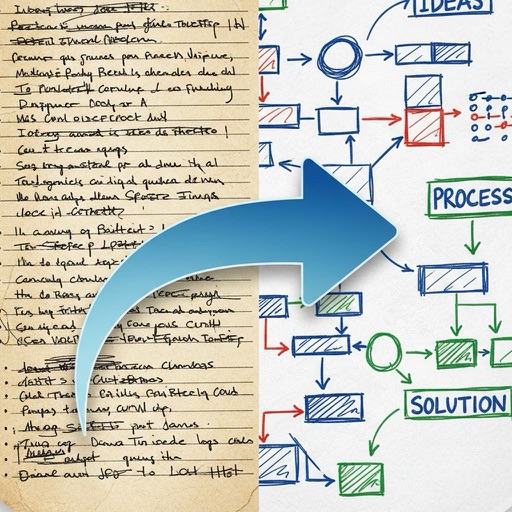
Create flowcharts, org charts, and process diagrams with drag-and-drop node addition. Use infinite canvas and 24 themes for customization. Organize nodes with containers and group them for complex layouts.