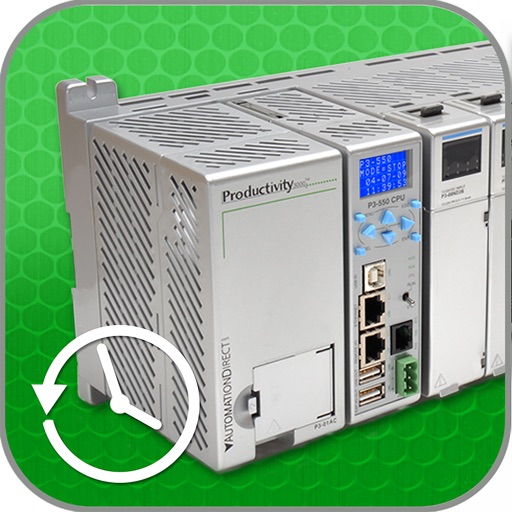
The app monitors discrete and integer values within a PLC and accesses alarm and event history. It offers a security logon for data protection and utilizes the iOS Zoom feature for screen captures.
by Automationdirect.com★ 2.02 ratingsProductivityFreeData updated 2026-10-17
Allows users to connect to a PLC via Ethernet or Bluetooth. View and edit register values, check project information, and access error logs. Manage multiple user accounts with different access levels.
Access sensitive data securely, preview and upload files, and collaborate on folders and file links across storage locations without a VPN. Integrate with popular business apps for streamlined workflows and remote access to content.
Query phone hardware and system details including frequency, network speed, carrier support, and storage usage. View camera specifications, screen resolution, and memory status. Access operating system and WiFi hotspot information.
Displays battery level and state, shows disk usage, tracks real-time CPU usage and average load. Monitors network connections and operating information.
Detects scams in texts and emails. Removes personal info from risky sites. Monitors identity for breaches. Includes VPN with encryption. Provides protection for multiple devices. Blocks online threats with security features.
Monitor device hardware and software performance. View CPU details, screen specifications, battery status, and network information. Track memory and storage usage. Access sensor data and run diagnostics for iPhones and iPads.
Information including usage, disk usage, CPU usage, network activity, battery level, and details. Monitor resource consumption and receive updates with new features. Provide feedback for improvements.
Access company websites and intranet sites without manual VPN setup. View and manage bookmarks pushed by your organization. Browse securely across internal and external apps.
Real-time data including usage, disk usage, CPU usage, network activity, battery level, and information. Monitor resource consumption and view detailed performance metrics.
Monitor CPU frequency and reduction details. View real-time CPU performance metrics. Check screen resolution and size. Display battery design capacity. Track network IP and speed. Identify GPU type and extensions.
Enhance digital safety with tools to scan devices for updates and security settings. Check Wi-Fi networks for encryption before connecting. Monitor browsing activity to avoid risky websites.
Monitor server status and manage Docker containers
Monitor server status with real-time CPU, GPU, memory, and network usage metrics. Track Docker container details and SSH into servers directly. View TCP statistics and process lists without installing additional software.
Hefei Single Machine Placement Technology Co., Ltd.
Encrypt connections and protect data
Securely encrypt internet traffic to hide online activity. Connect to global servers in America, Europe, and Asia. Tap to activate protection against cyber threats. Switch servers by selecting flags.
Block ads and enhance web in Safari. Filter out intrusive ads to improve load speed and reduce battery use. Enable advanced protection against malicious content and track website privacy settings.
Monitor equipment operation in real time. View CPU max and current frequency. Check RAM memory usage. Track network status with local and public IP addresses. Measure upload and download speeds.
Monitor CPU model, memory usage, and battery health in real-time. Check device specifications, storage details, and sensor data. View CPU frequency and RAM usage metrics. Track device performance and system resources without jailbreaking.