iPhone Screenshots



Description
Allows users to connect to a PLC via Ethernet or Bluetooth. View and edit register values, check project information, and access error logs. Manage multiple user accounts with different access levels.
Remote PLC is an application for real time monitoring and control for the CLICK and CLICK PLUS Programmable Control product lines offered by Automationdirect.com. For this app to function as designed, a CLICK PLC with ethernet or Bluetooth support is required.
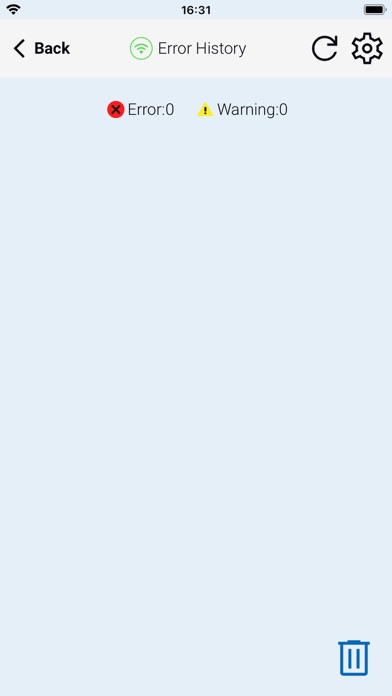
The Remote PLC app offers a quick method of connecting to a PLC to view and edit values in the PLC registers, as well as check the PLC project information, including the Error logs.
Main Features:
-Multiple Level User Accounts. Once connected, the authorized users can view and edit Monitor Windows based on their permission levels setup in the project file.
-Custom Monitor windows can be created and stored to the PLC using the CLICK Programming software version 3.60 or later. Monitor Window access can be based on the user permissions.
- Monitor and edit designated discrete and integer values within the PLC. Timer / Counter values can easily be viewed and edited.
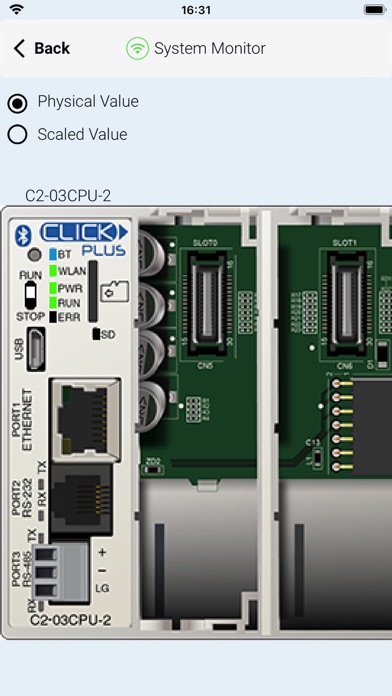
- PLC type and status, such as PLC Error Logs, scan times (Min and Max), as well as Project file information.
Requirements:
• All current CLICK and CLICK PLUS PLCs with ethernet/Bluetooth support the Remote PLC app.
• The PLC must be using firmware Version 3.60 or later.
• CLICK Programming Software Version 3.60 or later is required to program and configure the PLC to support the Remote PLC App.
• The CPU must have compatible network settings with the device running the Remote PLC App.