Edit photos with character filters and custom uploads. Apply visual effects to create fighter images. Save, share, and collect edited photos. Access additional features with a subscription.
by Tair Olzhasev★ 4.4106 ratingsUtilitiesFreeData updated 2026-09-06
Edit photos with film-inspired filters, adjust color and contrast, and apply grain effects. Tap to switch between different aesthetic styles. Save and share edited images directly.
Edit photos and videos with time-based filters to alter appearance across ages. Try different hairstyles, haircuts, and colors using uploaded images. Apply popular influencer effects for social media sharing.
Edit photos by automatically detecting faces and adjusting body shape in four modes: , head, body, and manual. Apply changes to photos from the or library and share the edited images.
Identify species using photos. Access detailed information about each species. Ask questions about diet, origin, and diseases. Provide expert insights for fishing enthusiasts and marine biologists.
Use AI to analyze facial features and suggest makeup, hairstyle, and clothing recommendations. Adjust virtual try-ons for different looks. Track progress over time and receive personalized styling .
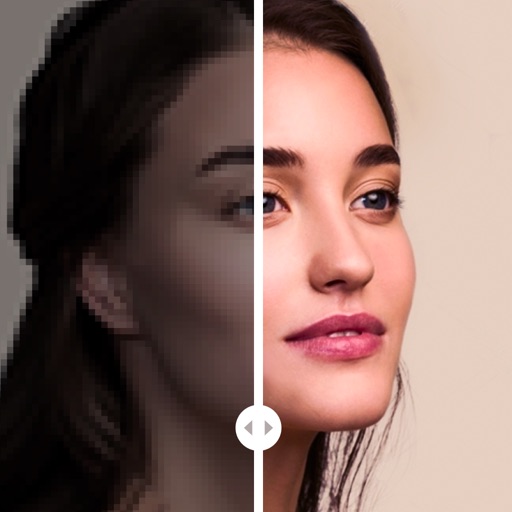
Create pixelated photos with customizable frames. Apply blur and black-and-white effects. Adjust touch controls for creative effects. Choose from available frames or customize your own. Export and share the final image.
Identify stars, constellations, and celestial facts
Identify stars and constellations by pointing and scanning the night sky. View detailed information including names, constellations, types, and distances. Learn about celestial facts like spectral types and origins of notable stars.
Transform photos into artistic styles like anime or oil painting with one tap. Age or rewind time in images. Edit and share transformed photos. Apply AI-generated artistic effects. Adjust and refine style transformations.
Modify in real time during calls or apply effects to audio recordings. Create unique vocal sounds with AI-powered filters. Choose from celebrity, robot, or cartoon styles. Adjust tone and pitch for personalized transformations.
Edit photos with Polaroid-style frames and film filters. Apply vintage color tones and grain effects. Add text and stickers. Export images in various formats and share directly.
Create digital artwork with a variety of and design . Adjust brush settings for texture and opacity. Apply dynamic effects and layer styles. Save and export artwork in multiple formats. Refine details with precision editing features.
Solve problems by taking photos of equations. View detailed step-by-step solutions. Use a built-in calculator for quick calculations. Access and review past problems and solutions. Share solutions via email or messaging.
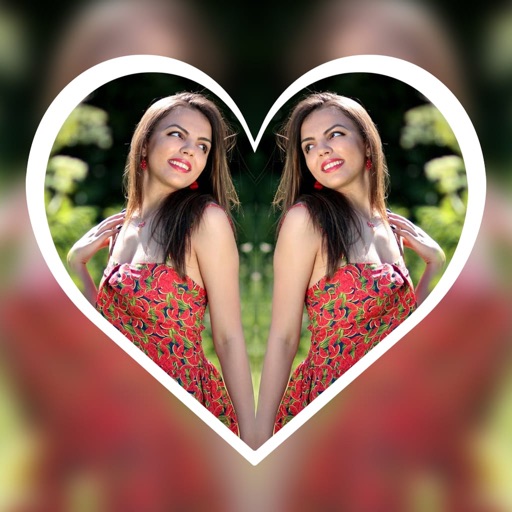
Create reflection effects with left-right, up-down, or repeat options. Apply effects and designer frames to enhanced images. Select from gallery or capture new photos for editing. Export and share edited images.
Smart Face Enhancement allows users to adjust facial features, smooth skin, and refine contours. Full-Body Adjustments let users modify body proportions and enhance details. Creative Filters and Stickers add visual effects and text.
Apply blur effects to specific areas or the entire photo. Adjust blur intensity and select from multiple blur styles. Save and share edited images directly.
Edit photos with automatic brightness, contrast, and saturation adjustments. Apply like blurred, sketch, sepia, and vintage. Share edited images directly to social media.