Create and edit music using sample-based composition. Import sounds via AirDrop or Files, or record with microphone or iOS interface. Play sounds on drum pads or keyboard. Apply effects and edit audio.
For verses, choruses, and other sections. Record audio for each part separately. Use the Chord Picker to add chords. View chords above in display mode. Add guitar tablature and access over 1000 chord diagrams.
The app offers over 1000 songs from various genres for users to learn on a configurable piano. It helps develop the ability to play by ear, starting with simple notes and progressing to mastering songs.
Create and manipulate drum sounds using a graphic editor. Use 76 samples and synthesis drum kits. Mix and match sounds across drum kits and tracks. Load drum kits from factory or other songs to generate new compositions.
Identify and adjust individual notes in files. Edit pitch and timing of vocal and polyphonic instrument recordings. Modify timing, pitch, and other details. Export edited files.
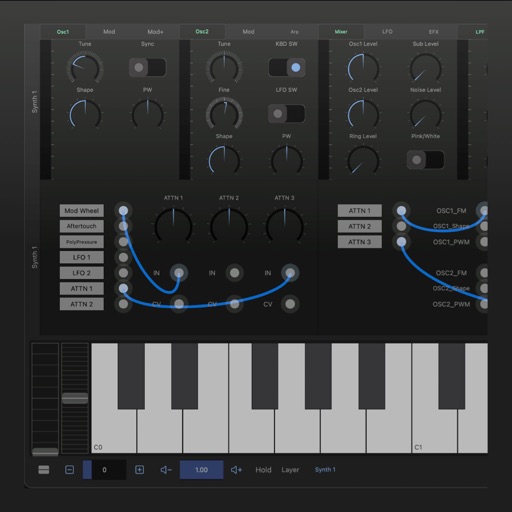
A synthesizer with 16 voice polyphonic capabilities. Users can create sounds using two oscillators per voice, adjust ADSR envelopes, apply filters, and control amplification. Includes effects, a sequencer, and audio visualization.
Play sounds with realistic sampling and dynamic key sensitivity. Adjust tuning, transpose notes, and apply reverb or chorus effects. Practice with accurate pitch response and explore microtonal options.
For verses, choruses, and other sections. Record audio for each section separately. Use the Chord Picker to insert chords. View chords above in display mode. Add guitar tablature and chord diagrams.
Use iOS device as a live microphone for stereo systems or Bluetooth connections. Create karaoke tracks with synced lyrics in any language. Convert speech to text with AI. Record performances automatically with a single button.