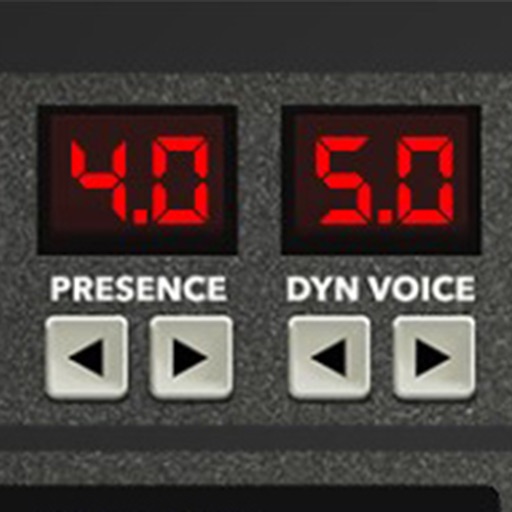
Adjust audio signals with tri-state voicing options for distortion tube, clean tube, or solid state. Apply digital delay with lo-fi filter and time offset controls. Customize power amplifier settings including presence, resonance, and power switch.
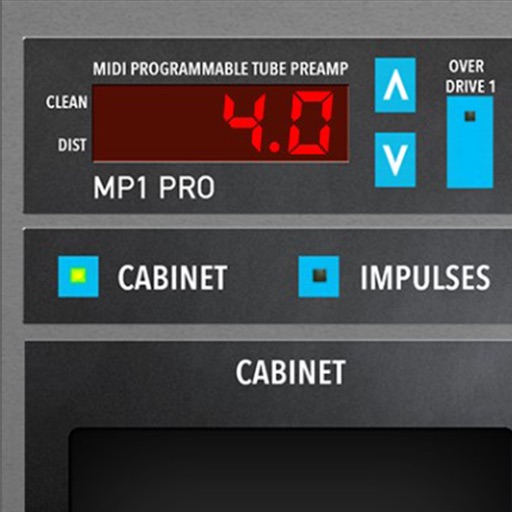
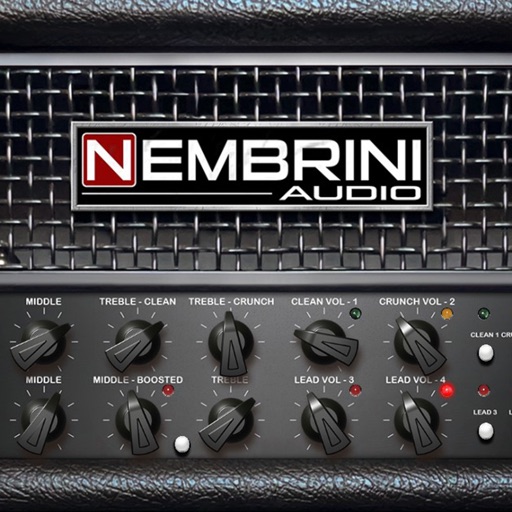
A guitar amplifier plugin that emulates a Marshall JMP1 preamplifier. Offers four channels with distinct tones: OD1 for versatile overdrive, OD2 for high-gain distortion, Clean1 and Clean2 for clear tones.
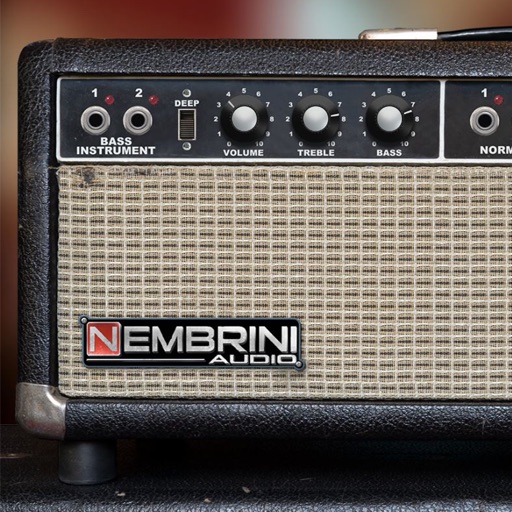
Adjust amp settings with two channels - Normal and Vibrato. Each channel has volume control and tone stacks for bass, middle, and treble. Use built-in spring for spacious sound. Adjust intensity for varying effects.
A music for guitar amplification. Adjust , tone, presence, , and master settings on two independent channels. Choose between clean and - modes on channel 1. Save and recall amplifier presets.
Amp plugin for guitarists. Adjust gain, EQ, and master volume. Simulate pre-amp and power-amp valves. Select between two channels. Save and recall presets. Connect to DAW for recording.
Apply effects to guitar and bass tracks. Adjust threshold, attack, and release settings. Includes a tube preamp for signal coloring. Compatible with audio production software.
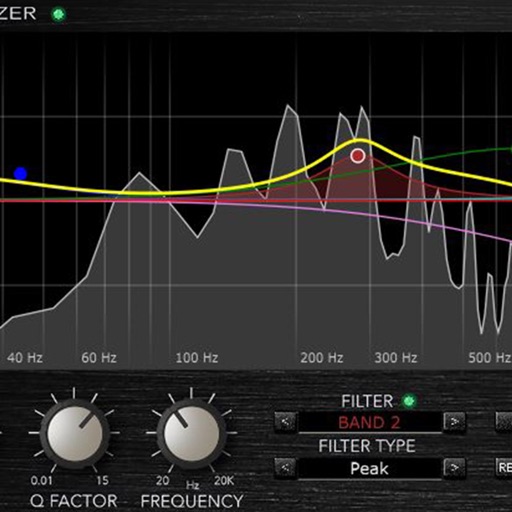
Load and manage impulse response files for audio equipment. Adjust cabinet sounds with a 6 band parametric equalizer and graphic EQ. Use a custom compressor with side chain filter and bass enhancer.
Apply high pass and low pass filters to remove low-end rumble and high-frequency noise. Adjust filter settings for precise control. Add a tube preamp for signal coloring. Use as a -style plugin for audio processing.
Apply effects with BPM sync and stereo spread. Add a tube preamp for signal coloring. Adjust time, feedback, and mix. Insert as a plugin in DAWs for guitar and audio processing.
Edit by splicing, mixing, and cutting. Record with wired or wireless earphones. Adjust playback speed from 0.2 to 4 times. Balance left and right channels. Export edited files.
Apply effects with Stereo Hall and Stereo Room algorithms. Adjust parameters for spatial depth and decay. Add tube preamp color to audio signals. Insert plugin directly into tracks for real-time processing.
Apply effect to audio tracks with adjustable depth, speed, and waveform settings. Add tube preamp coloration for warmth. Insert as a standalone plugin or within a DAW. Control parameters via user interface or MIDI.
Control two independent channels for distinct sound settings. Adjust bass and gain parameters for each channel. Connect to external speakers or headphones. Monitor input levels and adjust output volume.