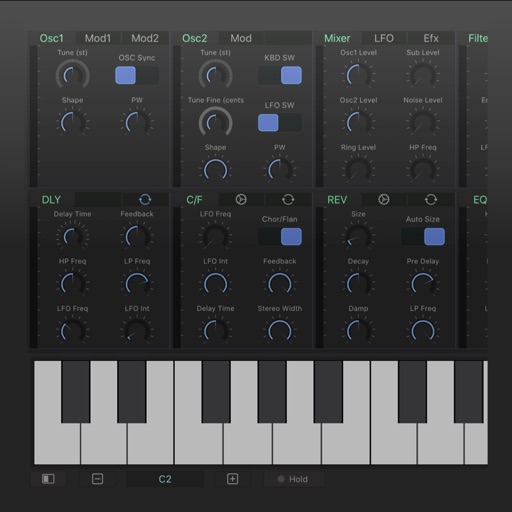
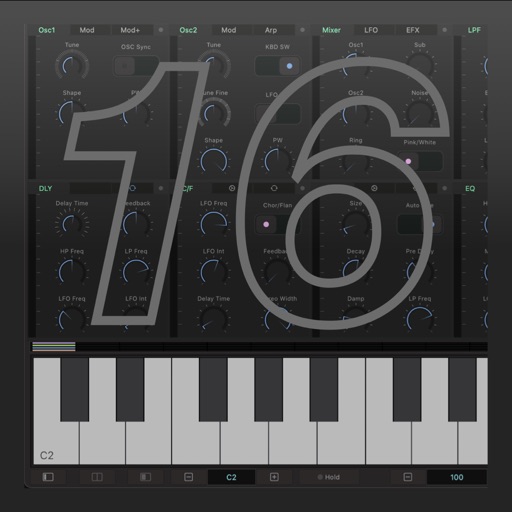
The app emulates the VCS3, a portable synthesizer created in 1969. It features three oscillators, a noise generator, a voltage-controlled filter, and a unique patch board matrix for component connection.
by Alessandro Petrolati★ 4.9206 ratingsMusic$19.99Data updated 2026-10-16
Create and customize virtual synths with a wide range of sounds, from analog to modern digital styles. Adjust parameters like filters, envelopes, and modulation. Export audio files and integrate with music production software.
Datasheet search allows users to find electronic components. Resistor color codes and markings are decoded for 4, 5, and 6 band codes. Electronic symbols are displayed according to IEC 60617, IEEE 315, and GOST standards.
Create by describing sounds, selecting genres, and customizing instruments. Generate full tracks or snippets. Export and share AI-generated audio files.
Create and shape oscillator waveforms by drawing with 32 blocks. Generate retro sounds using mirrored halves. Interpolate between 16 oscillator pages. Apply effects like arpeggio, stereo delay, and resonant filter. Record sounds on a tape interface.
Modify audio signals using modulation, voltage-controlled carrier oscillation, and dual-waveform LFO modulation. Adjust frequency and depth parameters. Connect to MIDI devices and integrate with DAWs for real-time effects processing.
Udio tones with customizable frequency settings from 15Hz to 22KHz. Choose between sine, square, sawtooth, and triangle waveforms. Create and save custom presets. Control playback from notification drawer, lock screen, or headset buttons.
Nd play test tones including sine, rectangular, triangular, and sawtooth waves. Create and play frequency sweep tones in ascending and descending directions. Adjust frequency, amplitude, and duration settings.
Create synth sounds with oscillators, filters, and modulation tools. Adjust parameters for precise sound shaping. Access an FX section for effects. Customize GUI for intuitive workflow. Export audio files and integrate with DAWs.
Adjust audio frequencies using adjustable band widths and fader-style controls. Visualize EQ adjustments in real-time. Apply low-pass, band-pass, and high-pass filters to shape sound. Modify tone and filter settings for precise audio customization.