The app allows users to make and receive calls with familiar quality. Users can view caller information and initiate calls from their contacts, eliminating the need for a desk phone.
by Speak Freely B.V.★ 0.00 ratingsBusinessFreeData updated 2026-10-16
Make and receive voice calls using VoIP technology. Manage call history and contacts. Set up SIP accounts and manage call settings. Support high-quality audio with low battery impact.
Make and receive calls using SIP protocol from any device. Transfer active calls between devices without interruption. Maintain consistent user identity across all devices. Send and receive messages. Access call history and manage contacts.
Manage home or office calls via WiFi/LTE/3G using a landline number. Transfer calls between devices without disconnecting. Add video to calls. Make calls from any phone using a Telecom number. Set up cloud PBX service for full telephony features.
The app connects mobile devices to office communication systems for voice and video calls, instant messaging, and presence status. It offers features like visual voicemail and corporate directory access.
Manage calls, chats, and meetings from a single . View contact availability, host or join virtual meetings, and access voicemails. Send and receive messages, schedule calls, and collaborate remotely with team members.
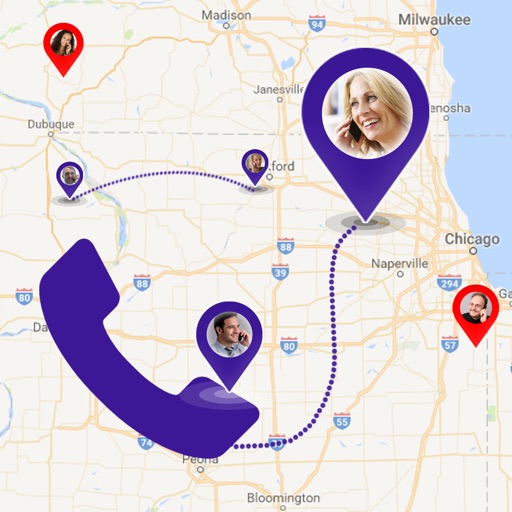
Find details including country, state, city, and area. View on a map. Identify telecom operator and retrieve caller information. Search any for and network details.
Make and receive calls using Wi-Fi or data. Conference, split, or swap calls. Transfer calls and access contacts. Use speakerphone, mute, and hold functions. View call and voicemail indicators. Integrate with Teo Unified Communications platform.
Set up a with unlimited calls, texts, and voicemail. Screen and block calls to manage privacy. Access call logs and manage settings remotely. Share the with others for communication.
Block unwanted calls by adding phone number prefixes. Prevent spoofed numbers from appearing as local. Block up to 100 area codes or specific numbers. Manage restrictions and view blocked calls. Sync with phone contacts for automatic blocking.
The app reveals the Caller ID of masked numbers, helping users identify unknown callers. It also blocks known spam numbers and records incoming calls for evidence.
Make and receive calls from cell phone or computer. Mirror desk phone functionality. Use bundled extension for additional features. Manage calls and communication across devices.
Get a second phone number without a SIM card. Use it for personal or business calls and texts in the U.S. and Canada. Switch between numbers quickly. Manage calls and messages through the . Set up a custom phone number.
Manage mobile recharges with real-time pricing and instant delivery. Filter contacts to select valid Nauta email users for targeted recharges. Make low-cost calls to Cuba with competitive rates.
Manage calls, chats, and meetings from a mobile device. View contact availability, start video calls, share screens, and access voicemails. Integrate with a business phone system for collaboration and communication on-the-go.
Manage account details, view upcoming service appointments, pay bills, and check payment history. Track service requests and receive notifications. Access account summaries and contact support directly.
Make and receive calls while tracking call details. Dial contacts directly from CRM systems like Salesforce or Chrome. Intuitive interface with fast response for efficient call management.
Allows users to perform text searches, use voice commands, and initiate hands-free calls. It offers browsing assistance, summary generation, and pinch-to-summarize features to streamline information retrieval.
Make and receive business calls using a number. Manage contacts and access voicemail. Stay connected with team and clients. High-quality calls available. Syncs with cloud-based phone system.
Make and receive calls from any device. Transfer calls between devices during a call. Upgrade call quality while using Wi-Fi or cellular networks. Connect all devices to a single office phone number.