Can and color with tools like pencils, brushes, and crayons. They can create paintings of animals, fruits, and vehicles. Includes pages for princesses and toddlers. Features a drawing book and creative doodling options.
On with precise tools. Add text, shapes, and stickers. Insert layers and blend images. Create collages with frames and stamps. Design custom stickers and share directly via iMessage or the .
And edit videos and photos in any size or ratio quickly. videos to format with pinch, zoom, and drag features. Add keyframes for creative control. Adjust speed, apply slow motion, reverse, or freeze frames. Resize, rotate, and fill backgrounds.
Create art with 10 brushes. Adjust brush size and color randomly. Import photos to doodle on. Add drawings to family images for customization. Save and share completed artwork.
Color images of characters and skins using bucket, pencil, brush, and eraser tools. Customize artwork with over 100 stickers. Access hundreds of images from the universe. Save and share completed colorings.
Create art using realistic and watercolor effects. Draw with tools like marker, airbrush, crayon, and eraser. Apply fluid-based watercolor effects in the full version. Adjust colors and blend textures for detailed illustrations.
Edit photos by converting them to and and selectively adding with brush tools. Choose from various brush sizes and styles. Apply filters for creative effects. Undo changes with a single tap.
Create custom avatars and choose from multiple game modes including drawing, guessing, and playing with friends. Participate in daily challenges to compete globally and earn coins by guessing others' drawings.
Draw with responsive touch input and customizable brush sizes. Apply sparkle animations while creating art. Save drawings to the device photo album. Share completed artwork directly.
Create frame-by-frame animations from scratch or based on videos, images, or Photoshop layers. Export in multiple formats. Draw and animate directly on iPad or iPhone.
The app offers drawing tools, color options, and frame management for creating animations. Users can export animations to video or animated GIF formats and share them.
Edit photos by blurring backgrounds, faces, or specific subjects. Apply various effects and filters. Save edited images to the camera roll or share them directly.
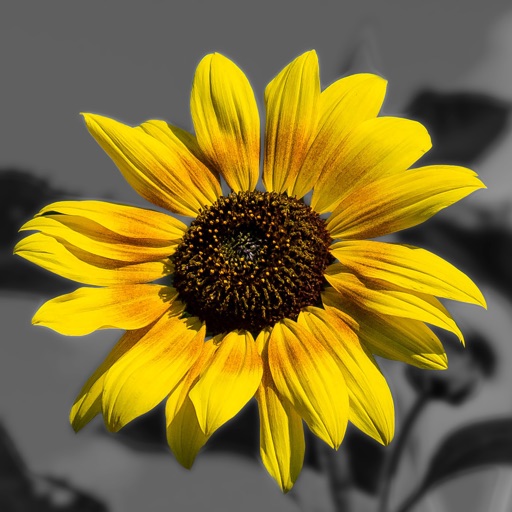
Edit photos by converting them to black and white while retaining selected details. Use multi-touch gestures to paint areas in black and white or restore original colors. Zoom in and out with two-finger pinching. Adjust and export edited images.
Create illustrations with a spacious canvas and customizable screen settings for iPad users. Use a wide range of brushes and tools for detailed drawing. Save work automatically to the cloud and adjust panels for comfort and efficiency.