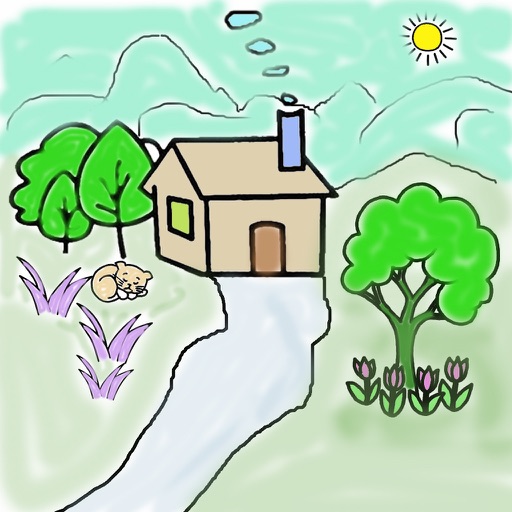
Allows users to select from hundreds of free pages ranging in complexity. Users can create custom doodles and save or share their artwork. Features include real-time drawing tools, color selection, and page zoom.
Create art with layers, animation, and onion skinning. Import color palettes from Lospec or use built-in options. Zoom with pinch, draw with tap, and view mini-previews while dragging. Sync with Aseprite for file transfer.
The app offers a universal painting experience for all ages with 140 unique brushes and special drawing modes. Users can create artwork in seconds using a variety of colors and effects, with options for saving and exporting creations.
The app offers 240 levels of coloring with four drawing modes and 120 colors. It features elements highlighting and a gallery to view and save creations.
Create mandalas with customizable symmetry and brushes
Create intricate mandalas by adjusting canvas symmetry, background color, and brush settings. Use predefined patterns or images for drawing. Apply shadows and customize center points. Save and share completed designs.
Allows children to draw using color selection, shape tools, and an eraser. It plays with each stroke and includes a random color option. Users can change line thickness and save drawings.
Allows children to draw using color selection, shape tools, and an eraser. It plays when drawing and includes a random color option. Users can change line thickness and save drawings.
Use AR to project drawings onto surfaces. and paint with customizable brushes and canvases. Save and share artwork. Adjust lighting and perspective for realistic effects. Import images to base sketches on.