Set alarms with customizable sounds and 24/12 hour format. Display time in a large red LCD style with Retina clarity. Use big buttons for easy interaction. Syncs with iPhone settings automatically.
Stream content from cloud storage directly on mobile devices. Access audiobooks, podcasts, and other files stored in Google Drive, Dropbox, OneDrive, and other supported services. Sync and manage files without needing to keep large files locally.
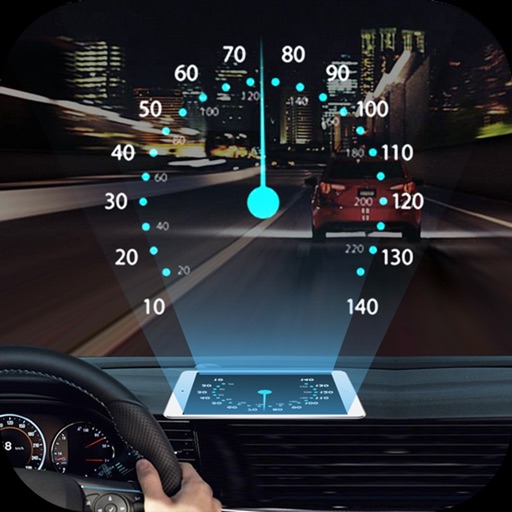
Projects speed, clock, weather temperature, cruise control, and now playing song information onto the windshield when iPhone is rotated and placed near the windshield. Displays data in landscape mode for easier visibility while driving.
Play with DJ-style controls. Double-tap to start songs. Swipe to add or remove tracks from the playlist. Customize the main screen with a custom title. Automate voice-over announcements. Manage playlists and queue songs from a library.
Simulate circuits using components like AND, OR, NOT gates, flip-flops, and multiplexers. Build and test circuits with drag-and-drop components. View output through monitors and adjust inputs manually. Save and share designs.
Control playback and manage playlists for supported media players. View song information, lyrics, and cover art. Connect to a Windows PC via WiFi. Adjust volume and navigate tracks remotely.
Control playback and manage playlists remotely. View song details, lyrics, and cover art. Browse and search media library. Adjust settings and access track information from an iPhone or iPod touch via WiFi.
Monitor status with real-time CPU, memory, and storage usage. Check location services and manage permissions. View battery health and sensor data. Control access to hardware parameters and sensor inputs.
Control home lighting, appliances, HVAC, ceiling fans, and sprinklers remotely from anywhere. Adjust thermostats, run sprinklers, and manage devices via Smart Home Hub.