

Apps Like PDF AI: Doc Scan Editor Reader for iPhone and iPad
Edit PDFs, merge files, convert formats
Edit PDFs by modifying text, images, and signatures. Merge files and convert to other document formats. Save and share edited documents directly. Use AI-powered tools for precise edits. Export in high-resolution or printable formats.
PDF AI: Doc Scan Editor Reader screenshots
Ranked alternatives
Showing 201–220 of 1,000 ranked alternatives.


PDF to Image - JPG, PNG, HEIC
Vitalij Schaefer
Convert PDF pages to images and share
Convert PDF pages to images with options for JPEG, PNG, and formats. Set DPI, maximum width, and height for resolution. Save or share exported images via any . Analyze PDF files and export at desired or optimal resolution.

DocScan – Document Scanner App
Anh Nguyen
Scan documents, extract text, save files
Scan documents quickly with high-quality image capture. Extract text using OCR for editing or translation. Export files as PDF, JPEG, or TXT via email, chat, or cloud. Add electronic signatures to forms and contracts.

Docs -Documents,Editor &Reader
蜀雅 赵
View, edit, and sync documents offline
View and edit documents with support for PDF, Word, Excel, PPT, TXT, and more. Copy text, search, highlight, and annotate PDFs. Edit Word/Excel files lightly. Add PPT notes and use text-to-speech. Sync files via cloud with folders and tags.


Camera Scanner - PDF Document
Unicom TOV
Scan documents, photos, and receipts
Scan documents, photos, receipts, and reports. Convert to PDF and save or share files. Choose color, grayscale, black & white, or contrast mode. Automatically detect page edges or adjust manually. Modify contrast and brightness settings.

PDF Converter: Scan & Create
Matthieu Charbonnier
Convert files to PDF with ease
Convert photos, images, and documents into PDF files. Capture and convert scanned documents via camera. Support for JPG, PNG, and DOC formats. Edit and annotate PDFs. Export files to email or cloud storage.




PDF Scanner - Documents Scan +
Hendrych Kowalski
, edit, store, share
Using iPhone or iPad camera. Convert to PDF or image formats. Edit text, crop, and annotate scans. Save, organize, and share files. Sync with cloud storage services. Export as email attachments or social media posts.

UltraScanner: Sign PDF and Doc
Rambax, LLC
Scan, edit, , and share documents
Turn your device into a document scanner with smart capture for multipage documents. Edit, , and share scanned files. Capture receipts, letters, invoices, and business cards with precise border detection. Enhance image clarity automatically.

RichScan: PDF Scanner & Sign
Serhii Borychev
Scan, edit, , and organize documents
Scan and convert documents to PDF. Edit, compress, and organize files. and share scanned documents. Convert Microsoft Office files to PDF. Store and manage all documents in one place.
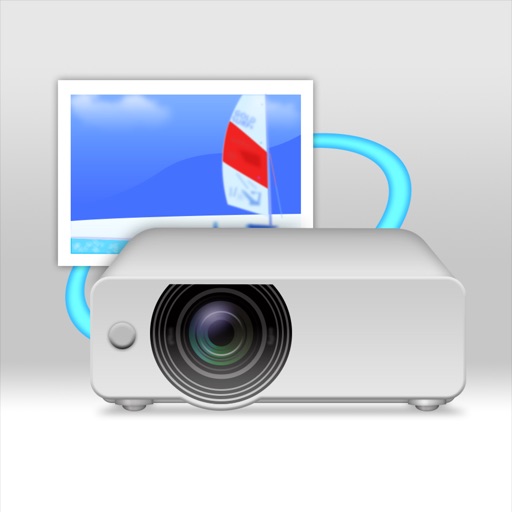
Panasonic Wireless Projector
Panasonic Connect Co., Ltd.
Project files wirelessly to Panasonic displays.
The app enables wireless projection of PDF, PowerPoint, and image files from an iPad, iPhone, or iPod touch to Panasonic wireless compatible projectors and displays via Wi-Fi. Users can also project websites using the built-in web browser.
How we rank alternatives
Apps are ranked by functional similarity, category fit, rating confidence, and popularity.