
DocScan – Document Scanner App
Scan documents, extract text, save files
Anh Nguyen
iPhone Screenshots


Description
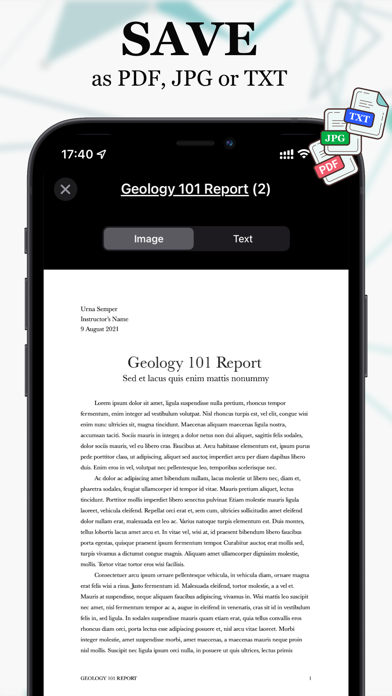
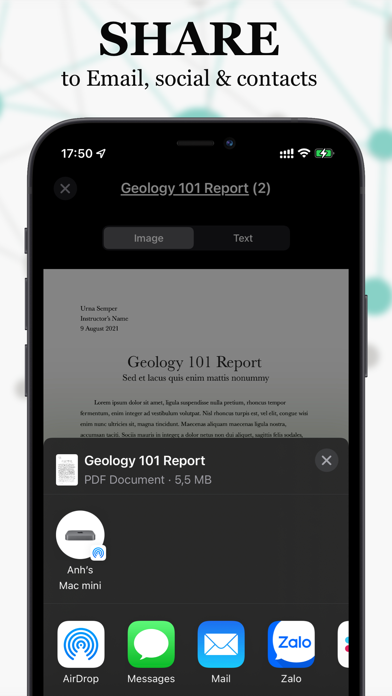
Scan documents quickly with high-quality image capture. Extract text using OCR for editing or translation. Export files as PDF, JPEG, or TXT via email, chat, or cloud. Add electronic signatures to forms and contracts.
DocScan makes scanning fast, clear, and effortless.
Turn your phone into a powerful pocket scanner — perfect for receipts, notes, contracts, and anything you need to save or share.
Why DocScan?
• Instant scans – Point, shoot, and save high-quality documents in seconds.
• Smart OCR – Extract text from photos for editing, copying, or translation.
• All-in-one export – Share in PDF, JPEG, or TXT via email, chat, or cloud.
• Sign & send – Add your electronic signature to forms and contracts.
• Multi-page support – Scan multiple pages into one clean PDF.
• Translate & share – Quickly translate documents into different languages.
• Secure storage – Keep all your files safe and accessible anytime.
• Barcode & QR scan – Read codes instantly with live camera view.
With DocScan, you’ll never lose a document again. Whether for business, school, or personal use, it’s the easiest way to manage your paperwork.
Privacy First
Your documents stay private and secure.
For details:
• Privacy Policy: https://anhnc.me/privacy
• Terms of Service: https://anhnc.me/terms
Need help? Contact us: [email protected]