Apps Like ePaint - Image Editing&Drawing for iPhone and iPad
Edit images, draw shapes, add text
Edit images with shape drawing, text box insertion, and editable bounding boxes. Import images via drag-and-drop. Use pen tool, leaf brush, and brush tool for detailed edits. Adjust distortion and apply transformations.
Create strips by arranging story cells and customizing word bubbles. Edit details like shape, style, and placement. Use script editor, image filters, and instant alpha tool. Export and share finished comics.
Create digital art with customizable brushes and layers. Adjust brush settings for pressure and flow. Use Apple Pencil for precise strokes. Save and export artwork in various formats. Import images for tracing or blending.
Create digital artwork from text prompts using AI- images. Choose from anime, realistic, or artistic styles. Edit and enhance images with a hand drawing tool. Save and share visuals.
Create silhouettes from photos by converting images into vector outlines. Choose from pre-designed templates or customize shapes. Export silhouettes as SVG files or share directly. Design posters and decals using the tool.
The app transforms user photos into oil paintings with a brush and oil color effect. Users can apply the oil filter to images and share them on social media or save them.
Photo montages, collages, and custom . Edit images by erasing, changing, or adding backgrounds. Cut people from photos and place them on new images. Add personal photos and decorate with fun .
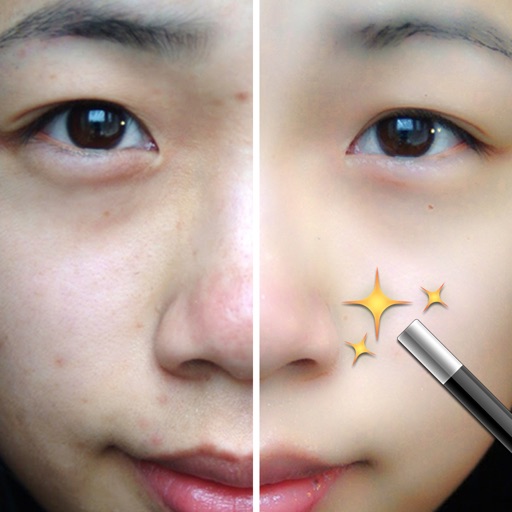
Edit photos with filters, effects, and auto retouching. Apply unique styles and vintage looks. Adjust brightness, contrast, and saturation. Add text and stickers. Export and share edited images directly.
Perform one-click matting for intelligent background removal and hair-level precision. Use smart daubing to eliminate unwanted objects. Manually adjust matting with custom brush or eraser tools. Export edited images directly.