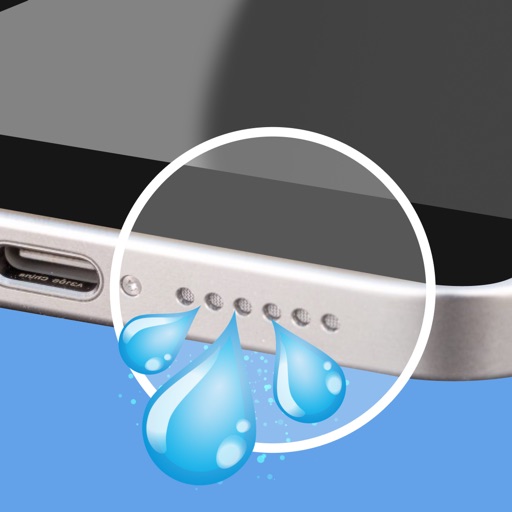
Apps Like Water Eject Shortcut for iPhone and iPad
From your speakers
Remove from speakers using sound waves. Measure decibel levels to monitor volume. Display neighbor's audio output for visibility. Offer ad-free operation for uninterrupted use.
by Atul Brahmbhatt★ 4.3497 ratingsMusicFreeData updated 2026-09-06
Test and improve device sound quality with frequency analysis and equalizer settings. Clean speakers and remove trapped or dust. Adjust audio output for clearer sound and better microphone performance.
Use sound wave technology to remove and dust from speakers. Activate automatic or manual cleaning modes. Clear debris and restore audio clarity and volume.
Clean iPhone speakers by generating a sine wave . Adjust frequency with swipe gestures. Control intensity for effective moisture removal. Perform cleaning sessions to restore speaker clarity.
Clean speakers by generating ultra-low frequencies that vibrate and remove trapped , dust, or moisture. Tap to initiate a quick cleaning process. Restore sound clarity after liquid exposure.
Emit high-frequency tones for testing or experimentation
Play high-frequency tones to test speaker performance or experiment with audio effects. Use specific sound patterns to assist with ejection. Adjust frequency settings and monitor output levels.
Test speaker audio output using frequency ranges to assess clarity and balance. Perform stereo checks to ensure equal left and right channel performance. Generate tones within 160–180 Hz to adjust and optimize sound quality.
Audio by removing and dust from speakers using sound waves. Select from 15 source patterns or use power clean mode for deep cleaning. Test sound frequencies with a tone generator and visualizer. Access cleaning tools via widgets or lock screen.
Clean and maintain iPhone speakers by removing trapped , dust, and debris. Use advanced sound waves to instantly, blow away particles, and restore clear audio quality. Perform these actions with a single tap.