Draw and paint images using customizable color pencils, pastels, and brushes. Choose colors freely and adjust settings for precise control. Save artwork to camera roll and share via Facebook or Twitter.
On a virtual surface with finger or stylus input. Choose from various drawing tools and colors. Save and share creations directly. Supports touch and pen interaction for precise drawing.
Create and edit and drawings for home screen and lock screen widgets. Draw with Apple Pencil or finger, type with keyboard. Customize backgrounds, colors, fonts, and zoom for details. Combine text and drawings in one note. Share as images or text.
On a chalkboard surface and shake to erase drawings. Add sound effects for drawing and erasing. Save images to Photos and email them. over photos to modify them. Play games like hangman, tic-tac-toe, and squares.
Check with a glance using a customizable . Choose between small and medium sizes. Each status has a unique drawing. Access funny movie quotes within the . Features accessibility options.
Connect with others to draw in real time. Create and share drawings instantly. Customize canvas with background photos. Place artwork on lock screen. Start sessions without accounts or personal data.
Take notes, draw, and sketch using Apple Pencil. Annotate PDFs, Excel, Keynote, and Numbers files. Create lists, memos, and organize notes. Export notes in multiple formats.
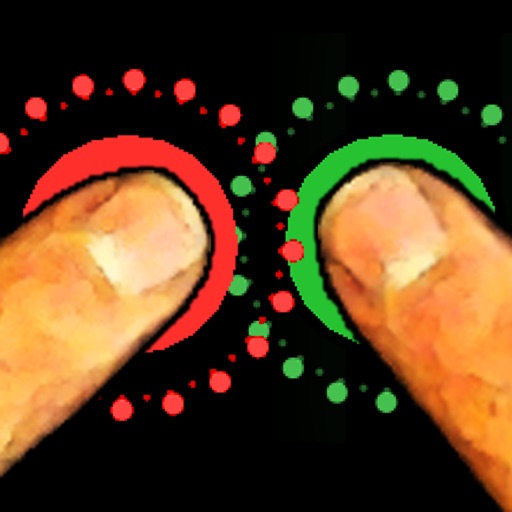
The app allows friends to place fingers on the screen, and it selects one. It can be used for making decisions such as assigning chores or choosing a dining location.
Create visual event timelines by drawing on a clock face. Tap to edit or reposition events. Receive haptic feedback for precise adjustments. Past events fade to minimize visual clutter. Sync with iOS Calendar and iCloud.