Generate images based on text descriptions using AI technology. Input prompts to create hand-drawn artwork. Explore various artistic styles and refine outputs with editing tools. Save and share generated images directly.
Customize and home screen with animated . Set backgrounds that respond to notifications. Adjust transparency and animation speed. Share custom designs with others.
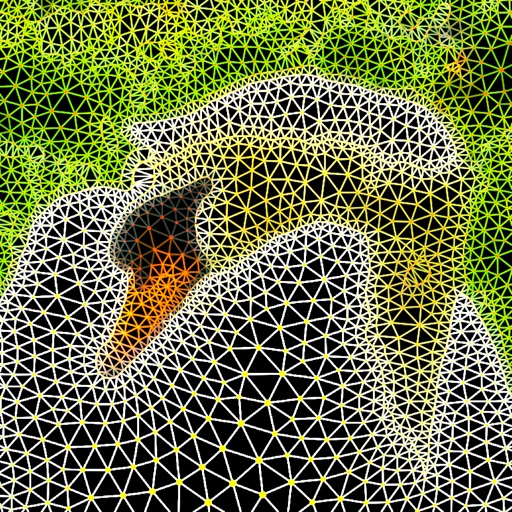
The app generates a triangular mesh from a photo and converts it to a vector image. Users can select from five mesh types and customize patch and node shapes and colors.
Install packs with one click or design custom icons for home screen. Choose from multiple themes and prebuilt elements. Customize icons with text, backgrounds, and styles. Preview and save icons for later use. Edit and reinstall icons as needed.
Customize home screens with widgets, icons, wallpapers, and themes. Add DIY design tools for personalization. Use Pomodoro timer with customizable modes for focus and productivity. Share creations and access community themes.
Customize icons and desktop themes with a variety of designs. Set universal widgets for quick access. Choose from themed wallpapers and animated icons. Personalize the home screen with unique visual elements.
Color grade photos and videos with tools. Apply 60+ real stock presets. Add realistic grain, bloom, and halation effects. Adjust colors professionally for a cinematic look. Export edited media in high quality.
Create home screen icons and themes. Adjust icons, backgrounds, and layouts. Apply new themes with simple taps. Customize layouts and styles to match personal preferences.
The app offers a fast and realistic painting, drawing, and sketching experience. Its painting engine utilizes the GPU for brush strokes with 64-bit color and sub-pixel precision.
Use a customizable keyboard to access a wide range of , kaomoji, and symbols without installing additional . Style social media posts and messages with expressive and emojis. Share content across SNS platforms and messaging apps.