Pin notes to Home Screen, Lock Screen, or Apple Watch for quick access. Organize tasks, reminders, and to-do lists by category. Customize backgrounds with colors, patterns, or personal photos. Choose fonts, adjust size, spacing, and color.
Turn photos into language lessons by identifying objects and generating vocabulary cards with pronunciation. Tap word tags to hear audio pronunciations. Use spaced repetition system to review words and improve retention.
Scan cards with a single tap using a reliable camera scanner. Organize collections by adding, editing, or moving cards via scan, search, or text import. View current and historic net worth. Build decks by creating, saving, and testing combinations.
Learn vocabulary through original artwork and game-style challenges. View illustrated flashcards with adaptive spaced repetition. Access on-demand AI tutoring for personalized guidance.
Organize ideas using on a digital canvas. Arrange spatially to build narratives. Add images for visual inspiration. Format text with markdown or auto-style. Suitable for script-writing, storyboarding, and brainstorming.
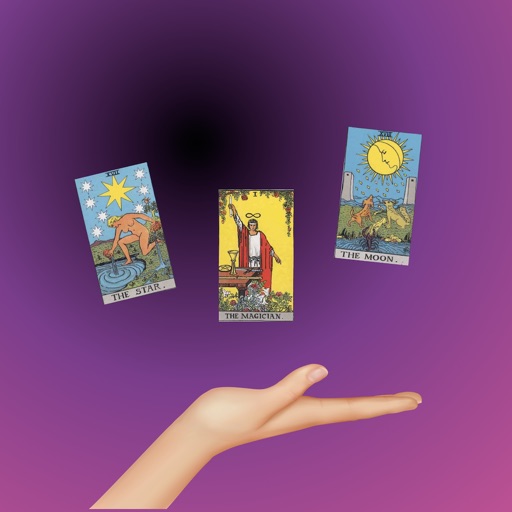
Card meanings and interpretations for all 78 cards. Explore 300+ pages of explanations covering multiple situations. Discover popular spreads and practice a card a day. Track progress and understand how to apply cards in different contexts.
Create by recording voice or using text-to-speech for questions and answers. Review cards during commutes, workouts, or chores without screen use. Use spaced repetition to reinforce memory retention.
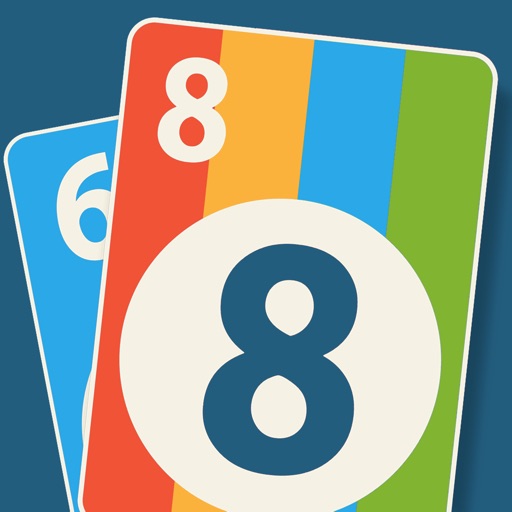
Play card game with 3 computer opponents. Match numbers, letters, or colors. Play 8 card to change color. Use Mau Mau rules with Lose a Turn, Take a Card, and Switchback cards.