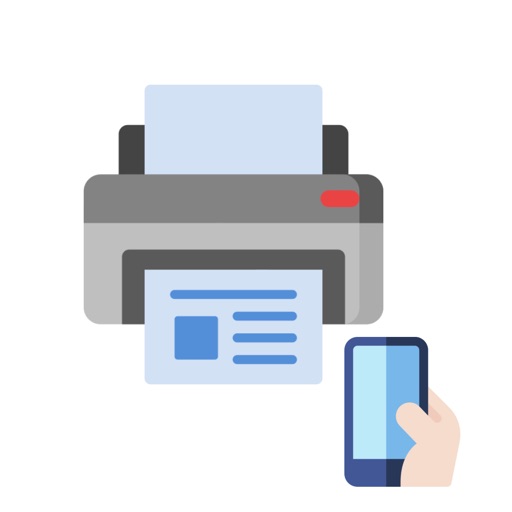
Print and scan documents directly from your iPhone or iPad. Support multiple file formats including PDF, Word, Excel, JPEG, and PNG. Send files to wireless printers or save as digital copies.
Print photos, documents, and web pages directly from your device. Choose print options and settings. Compatible with most wireless printers. Share printed content with others. No additional software required.
The app allows users to set up wireless connections, configure printer settings, and print sample receipts from iOS devices to supported Epson receipt printers. It offers features like quick pairing by QR code and observing printer status.
Documents and photos directly from your device. Scan and edit scanned documents with filters. Choose and multiple photos from your camera roll. Share printed files via email or messaging.
Access files from iPhone or iCloud and print directly to AirPrint-enabled printers. Print photos, web pages, emails, and clipboard content. Print text notes from the ’s notepad or imported files.
Print documents, photos, and emails directly from your device. Scan and save documents as PDFs. AirPrint compatible with various Wi-Fi printers. Share printed files via email or messaging. Manage print jobs and settings from the .
Manage jobs and documents directly from your mobile device. Edit scans with cropping, rotation, and brightness adjustments. Share files via email or cloud services. Monitor ink levels and track history. Set default printers and customize settings.
Import photos or files from gallery or cloud storage. Scan documents for digital copies. Edit PDFs with basic formatting tools. directly to connected printers or share via email. Manage queues and adjust settings.
Connect to wireless printers to print photos, data sheets, web pages, and event printables. Customize print sizes, page counts, and orientations. documents and print them directly from the .