
Epson TM Utility
Configure printers and print receipts wirelessly.
Seiko Epson Corporation
iPhone Screenshots
Description
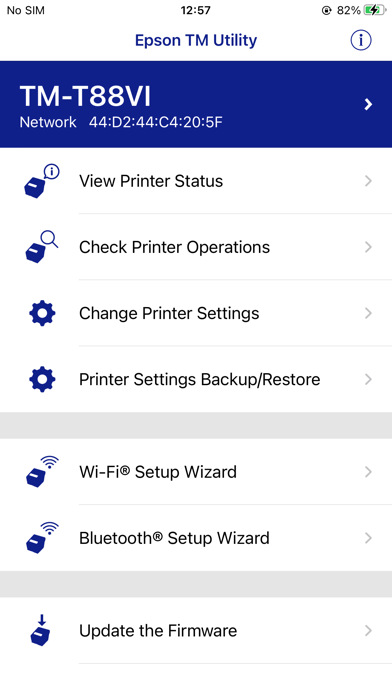
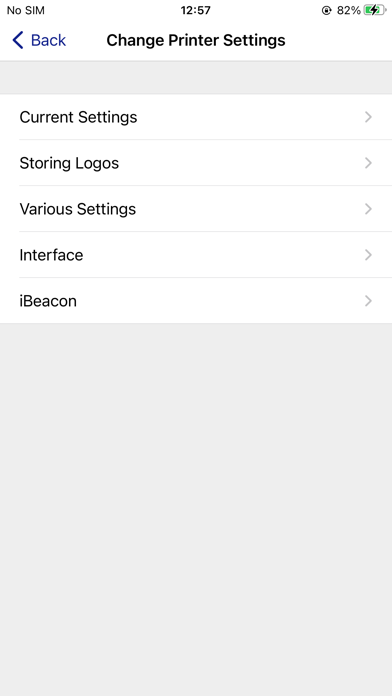
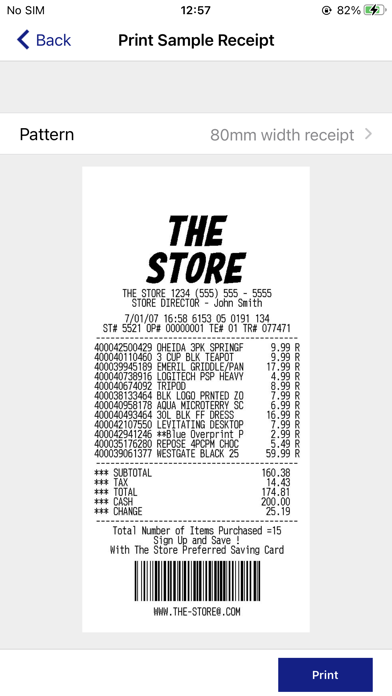
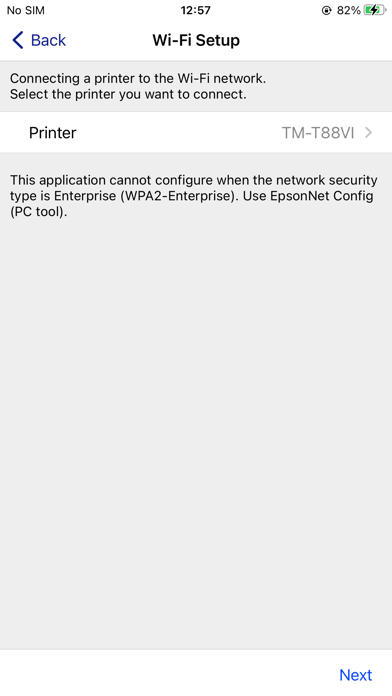
The app allows users to set up wireless connections, configure printer settings, and print sample receipts from iOS devices to supported Epson receipt printers. It offers features like quick pairing by QR code and observing printer status.
This app enables you to setup wireless connection, configure printer settings and print sample receipts from iPhone, iPad and iPod touch to a Epson receipt printer as below.
Supported Printers
-TM-H6000V
-TM-L90 Liner-Free Label Printer Model
-TM-L100
-TM-m10
-TM-m30
-TM-m30II
-TM-m30II-H
-TM-m30II-S
-TM-m30II-SL
-TM-m30II-NT
-TM-m30III
-TM-m30III-H
-TM-m50
-TM-m50II
-TM-m50II-H
-TM-P20
-TM-P20II
-TM-P60
-TM-P60II
-TM-P80
-TM-P80II
-TM-T20II
-TM-T20II-m
-TM-T20III
-TM-T20IV
-TM-T20IV-SP
-TM-T70II
-TM-T82III
-TM-T82IV
-TM-T88V
-TM-T88VI
-TM-T88VI-iHUB
-TM-T88VII
-TM-U220 Wi-Fi
-TM-U220II
Supported Customer Displays
-DM-D30
-DM-D70
Features
-Print sample receipt
-Print customized receipt
-Observe printer status
-Configure printer settings
-Quick pairing by QR code
-Easy print by QR code
-Easy print by iBeacon (TM-T88VI/TM-T88VI-iHUB/TM-H6000V)
-Printer Settings Backup/Restore (TM-T20IV/TM-T20IV-SP/TM-T82IV/TM-T88VII/TM-L100/TM-P20II/TM-P80II/TM-m30III/TM-m30III-H/TM-m50II/TM-m50II-H/TM-U220II)
-Setup wizard (Wireless LAN / Bluetooth)
-Firmware update