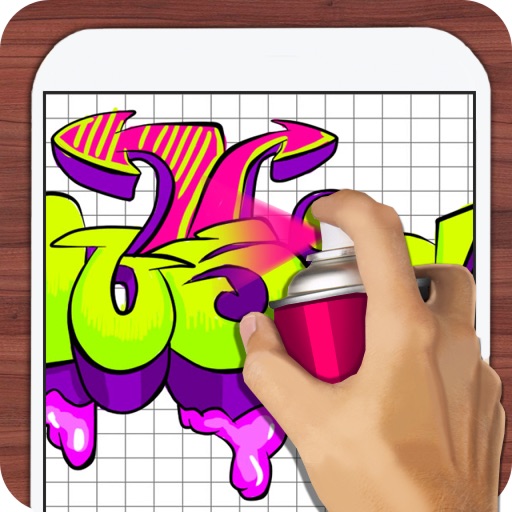
Draw with responsive touch input and customizable brush sizes. Apply sparkle animations while creating art. Save drawings to the device photo album. Share completed artwork directly.
by The App Tower Inc.★ 4.3197 ratingsEntertainmentFreeData updated 2026-09-08
Allows users to color pages with finger or stylus. Includes a variety of books and templates. Features a drawing mode for creating custom artwork. Lets users save and share their creations. Offers a gallery to view and manage completed drawings.
Create and customize digital art with layers, brushes, and color blending tools. Import images or sketch freely. Save and export artwork in various formats. Share creations directly from the .
The app offers hypnotic visuals and soothing animation with responsive music. Users can interact by touching the screen to influence the dynamic visuals and soundtracks.
The app allows users to create spiral drawings with colorful gears and rings. Users can import photos, use multiple drawing modes, and save or share their creations.
The app provides a blank canvas for children to paint with random brush sizes and colors. Users can set the background color, use photos as backgrounds, and access unlimited undo functionality.
Rotate 3D pieces to complete images. Swipe to adjust angles and assemble artwork. Choose from various themes and styles. Save and share completed creations. Track progress and revisit completed puzzles.
Creative drawing studio allows children to draw and color with various tools and colors. Puzzle games let kids match shapes and patterns. Pixel art lets them create images by filling grids.
To popular cartoon characters from comics, TV shows, and movies. Follow step-by-step tutorials to practice sketching and shading. Adjust proportions using a framework guide. Save and share your artwork.
The app processes images or videos with adjustable filters. Users can crop, rotate, apply effects like sketch or blur, and merge effects with a hand-drawn mask.