Create weapons by drawing on the screen with your finger. Customize stats using points. Tap at the right time to launch opponents off the cliff. Manage ink levels as they deplete during creation.
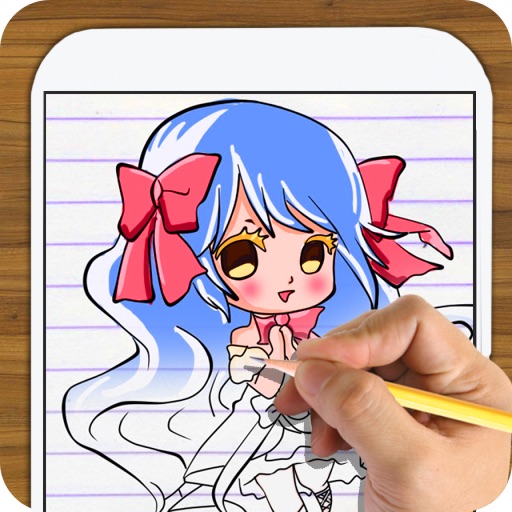
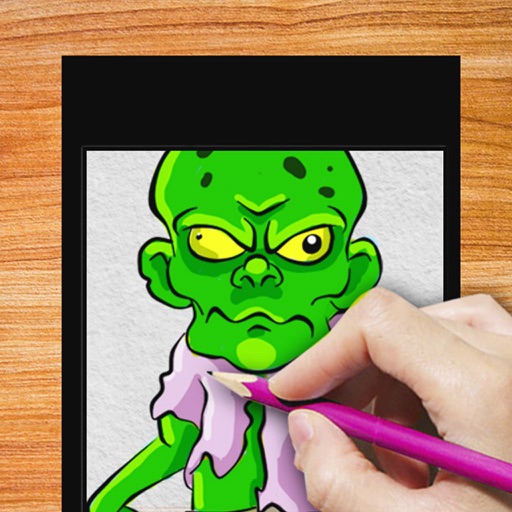
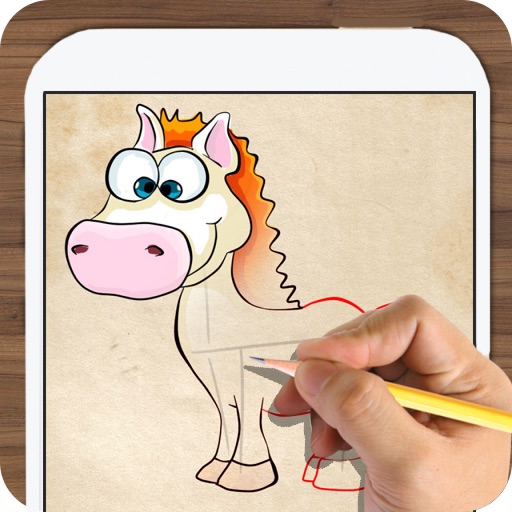
Learn to draw and chibi through step-by-step tutorials. Practice simple illustrations to improve skills. Save and share completed drawings. Play offline without an internet connection. Track progress through levels and challenges.
Baby Love Draw allows children to color images of animals, objects, and vehicles. Features include pronunciation guides for each picture, interactive tools, and parent-assisted learning through repeated name repetition.
Create digital art by adding colors, stickers, and glitter to a blank canvas. Customize artwork with various tools and effects. Save and share finished pieces. Receive feedback on artistic skill through in-game prompts.
Coloring pages allow toddlers to draw and color in various themes. Pages include animals, dinosaurs, dolls, and more. Features include hand-eye coordination exercises, color recognition activities, and creative tools.
Play skateboarding races and complete challenging mini games. Create freehand tags on special spots. Avoid robots and collect extra money with kickflips. Explore levels to find hidden tag surfaces and progress through the .
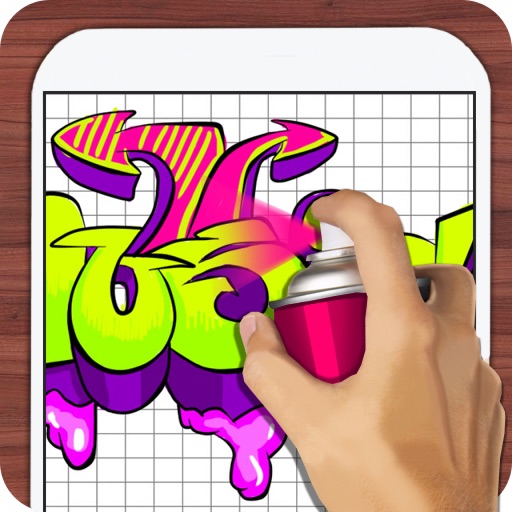
Design tags with customizable markers and nib shapes. Choose from various stroke sensitivities and color options. Save creations with one click. Create personalized street art and tags.
Create art with step-by-step drawing guides. Choose from categories like freestyle, hip-hop, and old-school. View styles in list or grid format. Save and share completed artwork. Adjust colors and brush sizes for customization.
Create and manage unlimited projects with color-coded timelines. Share and export assets via the file manager. Support 4K on iPhone SE and later, iPad Pro. Add unlimited clips, audio tracks, voiceovers, and text overlays.
Create drawings by combining different art styles. Divide images into sections and apply unique styles to each part. Mix and match colors and patterns to design custom artwork. Save and share completed creations.