Draw with responsive touch input and customizable brush sizes. Apply sparkle animations while creating art. Save drawings to the device photo album. Share completed artwork directly.
by The App Tower Inc.★ 4.3197 ratingsEntertainmentFreeData updated 2026-09-08
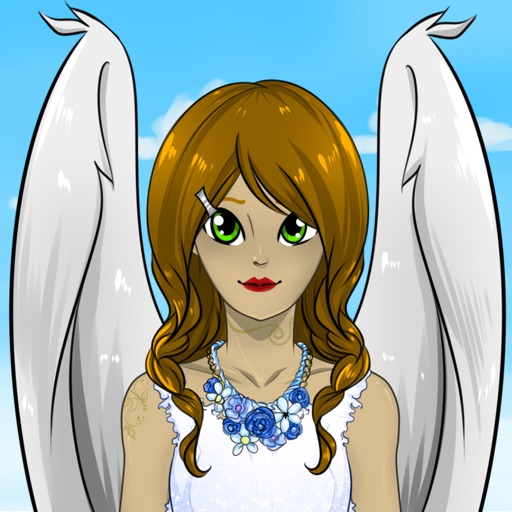
Create custom anime characters by mixing and matching facial features, hairstyles, clothing, and accessories. Adjust makeup, eyes, lips, and body type. Save or share generated images as wallpapers or social media posts.
The app provides a roulette wheel for users to draw numbers. Spinning the wheel builds tension for games with friends or for drawing winning numbers for lotto.
Create colorful designs using art effects with 48 unique brushes and 48 shapes across six categories. Use symmetry and inverse drawing modes for creative effects. Apply dynamic textures and -off particles for realistic results.
Color images and blank pages for drawing. Use realistic painting tools. Zoom in and out easily. Watch video replays of drawings. Access a variety of pages. Express creativity through drawing and .
Create fluid ink paintings with finger swipes. Use tapered brushes for organic line effects. Overlay strokes for layered artwork. Practice minimalist and painting techniques.
Draw dots by pressing one finger, adjusting size based on press duration. Create lines and shapes with multiple fingers. Manipulate polygons by moving vertices. Export drawings in various formats. Share creations directly.
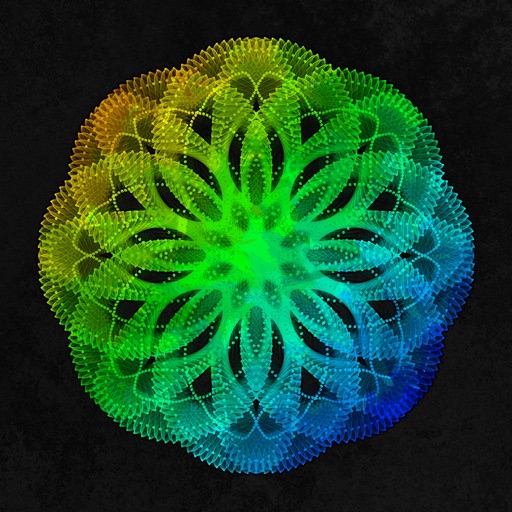
Create art using with 2-fold to 128-fold options. Draw patterns or let the generator create designs. Adjust brush size and style. Share creations on Facebook, Twitter, Instagram, and other platforms.
The app provides sketches for coloring and a blank page for original designs. It offers 14 colors and 5 brush sizes to encourage creativity and hand-brain coordination in children.
The app allows children to create animated cartoons by drawing and animating characters. It provides a simple and engaging way for kids to learn about animation and bring their selected characters to life.
Explore dynamic pixel art scenes from the 1990s. Navigate through interactive environments. Adjust lighting and perspective. Save and share custom views. Play background music loops. Toggle between different scene modes.