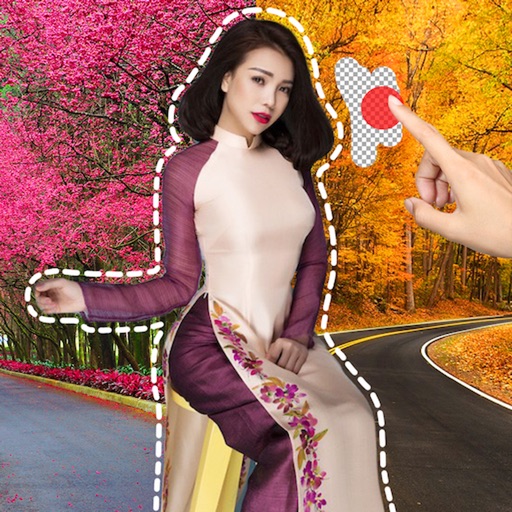
Create stickers by drawing lines to separate objects from photos. Store and share stickers via social media or messaging apps. Use stickers to design collages and combine with photos for creative images.
Edit photos with filters, overlays, and effects. Create collages and visual stories. Track pregnancy milestones and growth. Add text and stickers to photos. Share edited images directly.
Create visually appealing social media content with customizable and design tools. Add text, images, and effects to stories and posts. Export and share directly to social platforms.
Create using and images. Add text and drawings to convey messages. Choose from five collage styles including weight loss themes. Edit and share the final collage.
Create collages with single or multiple photos, up to 14 images. Add , backgrounds, and drawings. Share collages on Facebook, Instagram, Twitter, WhatsApp, and other platforms. Edit photos with basic tools and apply templates.
Create digital collages using images from your photo library. Crop and remove solid backgrounds from photos. Rotate, resize, and reposition images. Adjust background size and tint. Experiment with creative arrangements for digital art.
Create collages with customizable layouts and shaped frames. Apply filters and edit photos. Add text, stickers, and signatures. Export and share finished collages.
Create collage videos with 50+ layouts. Customize grid ratios, background colors, and border settings. Add text, music, stickers, and filters. Drag and arrange media on a timeline. Apply special effects and adjust layouts for final edits.
Remove image backgrounds using AI for transparent effects. Edit photos by cutting specific areas manually. Add new backgrounds, text, and stickers. Create profile pictures with customizable options.
Create funny morphs by selecting two photos. one to another and swap to reverse the effect. Adjust intensity and save results as single images or collages. Supports multiple photos.