Apps Like Photographic Effects for iPhone and iPad
Process images with four
Process images using four algorithms: Bass Relief for embossed grayscale and Contour for border detection. Import photos from the gallery or capture new ones with the camera. Apply to enhance visual details and save edited images.
by Luigi Fonti★ 1.04 ratingsPhoto & Video$0.99Data updated 2026-09-08
Create high-quality wallpapers with customizable effects and manual adjustments. Apply built-in filters for contrast, brightness, and color. Set static wallpapers with high-resolution images. Share wallpapers directly from the .
Edit photos by highlighting colors, removing or changing backgrounds, and blurring specific areas. Use healing and smoothing tools for precise adjustments. Create photo montages and export edited images directly.
Split photos into 2 to 9 sections without quality loss. Preview swipeable panoramas before posting. Share split images directly to using the "Select Multiple" feature.
Edit photos and videos to apply effects. Adjust hue, saturation, brightness, contrast, exposure, and other parameters. Use smart sharpening filters to enhance image quality. Convert old photos to style. Export edited content in various formats.
Edit photos with auto enhancement, artistic sketches, beautiful paintings, and funny cartoons. Apply 700+ filters and . Add frames and stickers. Share edited photos directly.
Edit and enhance grayscale photos with 20 predefined presets and custom adjustments. Apply vignette effects and modify color channels. Save personalized presets. View and share monochrome images directly.
The app allows selective editing of photos with filters, effects, and adjustments. Users can apply multiple effects to specific areas or the entire image, offering extensive creative possibilities.
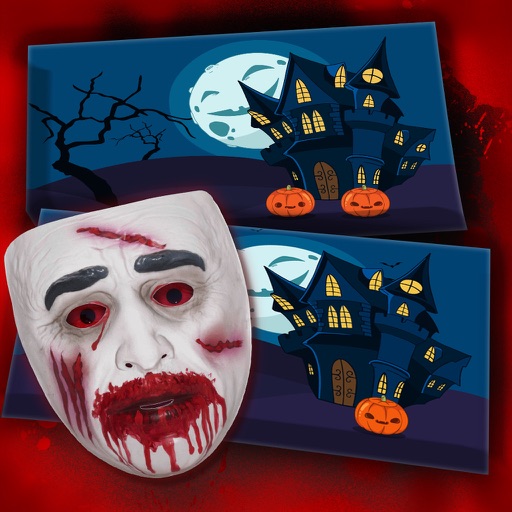
Spot differences in images with five unique challenges. Drag and drop objects onto images to create unsettling visuals. multiple horror with interactive and intense features. Track progress and compete against time limits.
Edit photos by selecting from gallery or camera. Cut out the main subject with tools. Replace the using gallery images or built-in options. Save and share the edited .
Take photos with multiple filters, light leaks, and effects. Use a timer, volume keys, and composition lines. Crop images in various ratios. Edit photos with filters and apply them to images taken with other apps.
Edit photos with filters, contrast, brightness, and color adjustments. Add text, stickers, and drawing tools. Customize images and landscapes. Export in high quality. Access a free image library. Apply advanced editing features.