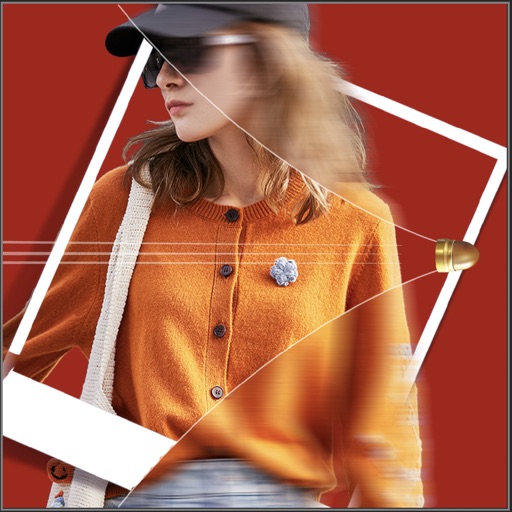
Create collages by combining multiple photos into a single . Resize the , adjust rounded corners, change resolution, and modify the color. Rotate individual images within the . Premium plan offers additional features and auto-renewing subscriptions.
Create professional ID photos for passports, visas, and driver's licenses. Automatically beautify images and replace backgrounds in red, blue, or white. Customize sizes and select templates for different countries. Share and print multiple copies.
Create effects to enhance photos. Apply 40 tints and adjust images directly. Add photos from the album or take new ones. Save edited photos within the . Share images on Facebook and Twitter.
Apply with multilayered styles, including vintage film, textured finishes, and painterly designs. Adjust colors, tones, and brightness. Export edited photos in various formats and share directly.
Scan documents using the built-in camera or import from Photos or cloud storage. Edit pages, add signatures, and faxes globally. Store scans as multi-page files and export as PDF. Fax contracts, receipts, and other documents directly from the device.
Edit photos with skin retouch tools to remove blemishes and enhance texture. Adjust for eyes, lips, cheeks, and brows. Change hair color using a salon-style tool. Edit body shape with a body tuner. Apply selfie filters and save edited images.
Capture photos and videos with retro film filters and analog textures. Adjust exposure, contrast, and grain. Apply vintage color effects and scan-to-video conversion. Share edited media directly to social platforms.
MPScan enhances scanned images by automatically cropping with edge detection and perspective correction. It removes scratches, dust, and noise using smart filters. Users can apply automatic or manual adjustments for image enhancement.