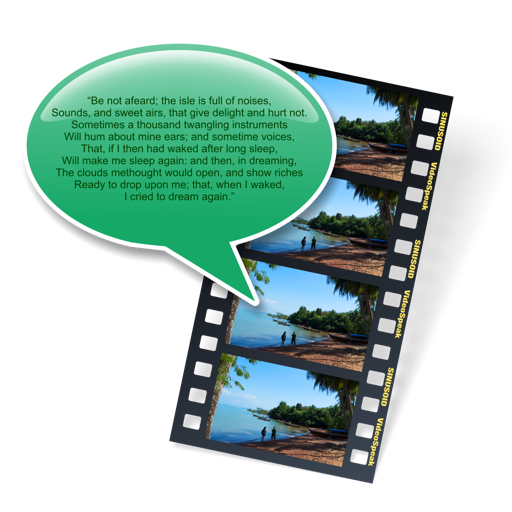
VideoSpeak
Sinusoid Pty Ltd
Add speech tracks to videos easily.
The app allows users to add synthesized speech audio tracks to videos without a microphone. Users can choose from multiple MacOS voices and export the video as a Quicktime movie file.

Play two videos at once.
The app allows users to play two videos simultaneously, either side-by-side or overlaid with adjustable transparency. Users can control playback speed, start positions, and scale each video independently.
Showing 521–540 of 1,000 ranked alternatives.
Sinusoid Pty Ltd
Add speech tracks to videos easily.
The app allows users to add synthesized speech audio tracks to videos without a microphone. Users can choose from multiple MacOS voices and export the video as a Quicktime movie file.




Liam Sammy
Watch videos and listen to music anytime
Play videos and audio files in various formats including MP4, 4K, and HD. Supports playback of downloaded content directly on the device. Allows users to manage and view media files without conversion.

iFunia Corporation
Play videos and audio files in HD
Play videos and audio files in various formats including AVI, MKV, MP4, MP3, and more. Support HD video playback up to 1080p. Stream directly from your Mac without conversion.

ISAC Inc.
Compare, practice, and improve faster.
The app displays lesson videos and user recordings side-by-side for comparison. Users can slow down playback, repeat sections, and zoom in on details to refine their technique.
GraafICT
Analyze sports movements with video.
The app allows users to load and compare two videos side-by-side on one screen. Users can play, stop, and move through video frames in slow motion, and analyze movements using drawing tools like angles and arrows.
Async, Pty. Ltd
Record and play back scratches
Record and play back performances with and fast forward/rewind controls. Adjust pitch and fine-tune scrubbing. Export in 1080p. Upload to YouTube and share on Twitter.

Zepp Inc.
Track shots and capture video clips automatically
Tracks shots with auto capture, recording video clips without user interaction. Adds instant replays, slow-motion, and effects to highlight reels. Shares videos directly to Facebook, Instagram, and other social networks.

KOJI HARA
Create time-lapse movies by touching the screen
Create time-lapse videos by tapping the screen. Each frame is shown in faded light for easier alignment. Limitations include a maximum of 30 frames and a watermark in the Lite version.


Apps are ranked by functional similarity, category fit, rating confidence, and popularity.