Allows users to select from seven fan speeds and 16 LED brightness settings. Smart Mode automatically adjusts speed. Users can view current speed and light status. Schedules for speed and light settings can be created.
Adjust exposure settings with precision, including extended sensitivity and independent calibration. Measure incident and reflected light. Save exposure data. Connect with f/Tools. Choose between two interface designs.
The app provides manual control over camera settings like zoom, focus, ISO, and shutter speed. Users can choose between manual and automatic modes for camera adjustments.
Convert photos and videos into paintings or hand-drawn animations using AI. Apply sketching or painting styles with adjustable textures. Save the artwork process as a video. Choose from five standard art tools.
For photographers without a built-in . Take readings from camera preview. Adjust measurement area by zooming. Switch between multiple rear cameras. Tap points of interest for precise exposure settings.
Allows users to cut, delete, and reverse clips. Apply real-time beauty filters and crop videos with white space. Rotate, flip, or merge multiple videos. Add music from a library and convert videos to GIF or live photo formats.
Capture photos in RAW format without ND filters. Select capture mode, adjust , and set duration. Merge images into a 12-bit DNG file for editing. Apply motion blur to create artistic effects.
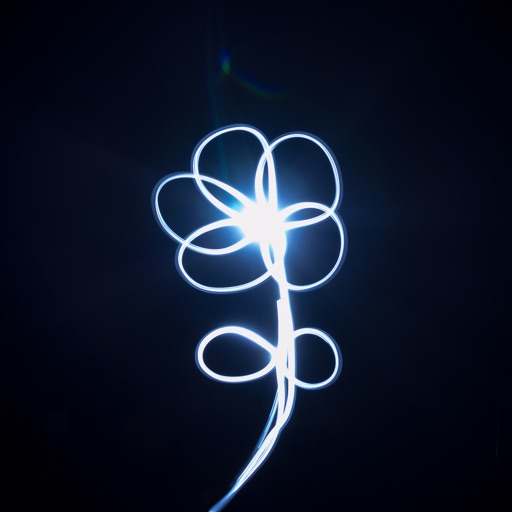
Create glowing art by applying effects to photos or existing images. Adjust brush size and glow intensity. Save creations to the Photo Library. Email postcards globally. Use multiple undo levels and mix colors for custom palettes.
Take high-quality photos with manual controls similar to a DSLR . Use bulb exposure for long exposures and motion blur. Apply neutral density filters to control light intake.
Create original images using light effects. Apply light leak filters to add unique textures. Adjust brightness and contrast for enhanced visuals. Share edited photos directly to social media.
Take photos by setting time from 1 second to 180 seconds. Capture night scenes, fireworks, and starry skies. Use Bluetooth remote shutter for hands-free shooting. Adjust settings for dark environments to avoid overexposure.
APPAS SOLUTIONS, SOCIETATEA CU RASPUNDERE LIMITATA
Capture photos and videos in low
Capture photos and videos in low- conditions using advanced technology. Adjust brightness and color settings manually or automatically. Record live view with enhanced clarity and color. Share edited media directly from the .
Edit videos by adding zoom effects using pinch or drag gestures. Cut or uncut unwanted sections with the scissors tool. Change aspect ratio and videos. Save and share edited videos directly.