Control e-ink displays via Bluetooth. Upload custom images, crop, and adjust them for the screen. Edit and input text to display on the e-ink device. Update content with simple taps. Sync and manage multiple e-ink devices.
by ShenZhen Lenze Technology Co,.Ltd.★ 3.24 ratingsUtilitiesFreeData updated 2026-09-06
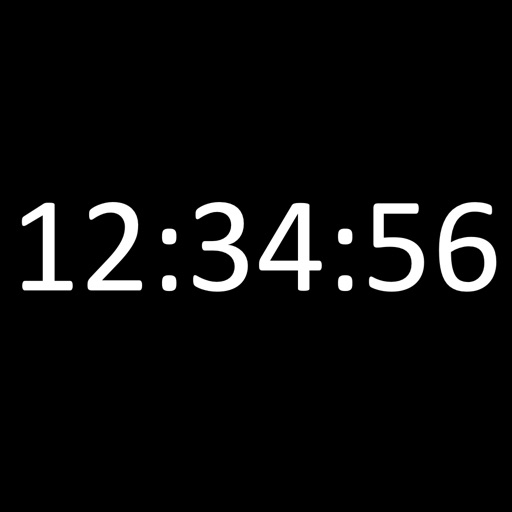
Displays the current time and date in large, readable text. Swipe up to access settings. Choose between 12-hour and 24-hour time format. Select date display options. Toggle visibility of the date and seconds.
Print documents, photos, and files directly from your mobile device. Connect to Canon and HP printers for wireless printing. Scan documents and view status in real time. Manage print queues and adjust settings remotely.
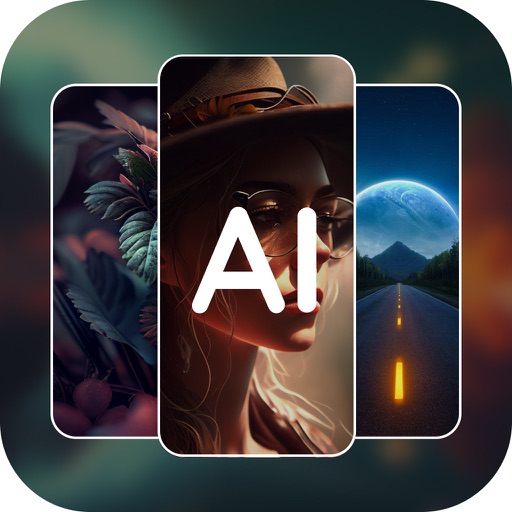
Generate AI art from text inputs to create custom wallpapers. Choose between free and premium wallpapers. Set as home or lock screen. Edit and customize art. Share wallpapers with others.
Convert documents to PDF by uploading files, photos, or web pages. Edit PDFs with text copying, formatting, and page adjustments. Share or export converted files directly.
Convert image, EPUB, and PDF files to documents. Edit by removing special characters or unwanted content. Adjust TTS speed from 1 to 5 times. Customize TTS settings for voice, pitch, and language. Sync reading progress across devices.
Allows users to store and manage clipboard content, including text and images. Edit clips, create new ones, and organize them into folders or mark as favorites. Access favorites and folders via home screen widgets.
Allows users to adjust button positions and view formulas and calculation . It aggregates results and enables sharing of calculations and with other apps and social media. Users can copy results and to the clipboard for easy access.
Edit PDFs and by adding text, logos, , or QR codes. Render PDF pages as images. Prevent text copying with watermarks. Adjust position, size, and rotation. Customize text with font, color, and opacity.