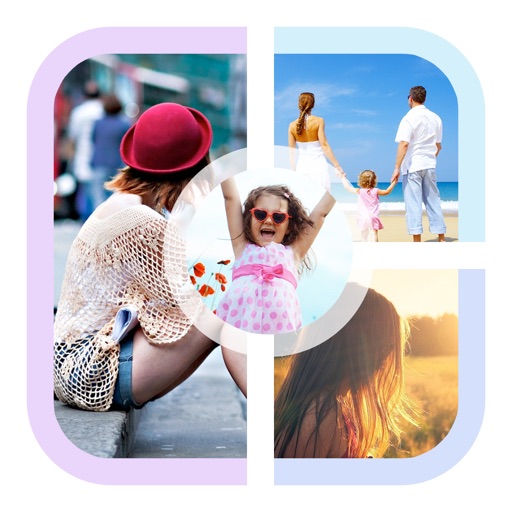
Create collages by combining multiple photos into a single . Resize the , adjust rounded corners, change resolution, and modify the color. Rotate individual images within the . Premium plan offers additional features and auto-renewing subscriptions.
Create photo collages by combining 2 to 9 images into one. Adjust size, position, and layout. Choose from various templates and styles. Add stickers, frames, effects, and patterns. Share finished collages directly.
Create Instagram feeds and stories with customizable templates. Adjust layouts, add text, and apply filters. Export posts and stories directly. Sync with Instagram for seamless sharing.
Create photo collages with hundreds of predefined layouts and AI-powered face detection. Combine up to 10 photos in various aspect ratios. Edit images by dragging, scaling, rotating, and flipping. Apply effects and customize frame width and style.
Create funny morphs by selecting two photos. one to another and swap to reverse the effect. Adjust intensity and save results as single images or collages. Supports multiple photos.
Create photo collages and video slideshows with customizable layouts, colors, and patterns. Add text, filters, and music. Edit photos with object removal, skin softening, and blur effects. Include stickers, outlines, and background adjustments.
The app allows users to create picture collages on iPhone or iPad. It offers features like shaking to shuffle, finger manipulation of photos, and various sharing options.
Create collages using photos and apply visual effects. Customize artwork and layouts. Share creations on social media platforms like Instagram, Facebook, and Twitter. Edit photos with filters and adjustments. Add text and stickers to images.