Control stream, recording, or virtual camera output. Hide or show scenes and individual scene elements. Prevent accidental scene switches during live broadcasts. Requires obs-websocket plugin for older OBS versions.
Edit photos with customizable backdrops, fun fonts, and themes. Add stickers and create visual stories. Track growth with monthly updates and share finished artwork.
Turns phone into a high-definition source for OBS Studio. Stream or record virtual events with live video and audio. Supports real-time input for content creation. Integrates with OBS for broadcasting and recording.
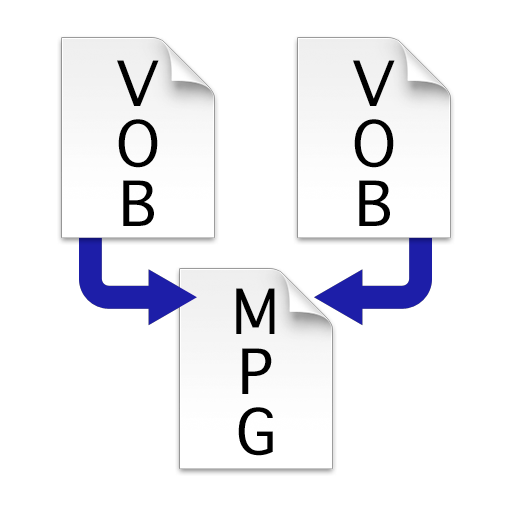
Combine multiple VOB files into a single MPEG file without re-encoding. Merge VIDEO_TS folders to create one large video file. Save and export the merged file for playback or transfer.
Watch live TV streams from sources. Play multicast streams via UDP proxy. Support M3U and M3U8 playlist formats. Add playlists from device or internet. Cast to Chromecast. Enable background playback. Use parental controls. Connect external players.
Create montages by selecting a character template and uploading a photo. Swap faces with a friend or use your own image. Apply detection to align your with the template. Share the final result.
The app is a client for the v2 conference system, supporting real-time video, audio, and shared documents. Users can invite others to meetings and the app functions on Wifi or 3G networks.
The app provides access to live video, camera recordings, and AI metadata. It allows for PTZ control, two-way audio, and simultaneous viewing of up to 16 cameras.
Capture allows users to scan bodies or objects for clinical and professional applications. It uses 3D technology with Sensor 3 or TrueDepth/LiDAR cameras. Scans can be saved, shared, and integrated with design software.