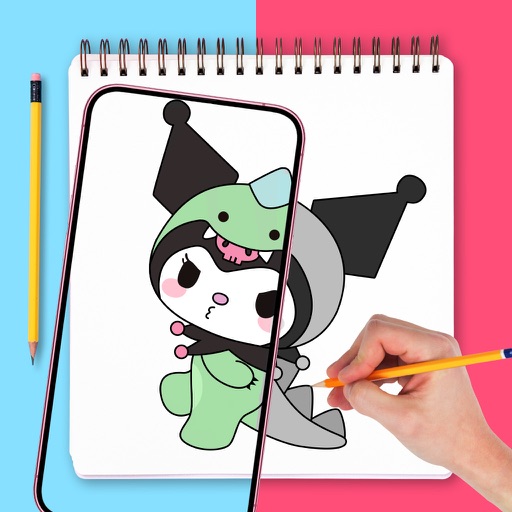
Apps Like AR.DRAWING Art: Paint & Sketch for iPhone and iPad
Draw with confidence, with precision
Use augmented reality to draw on any surface. Trace outlines, adjust colors, and add textures. Save and share drawings. Access tutorials for beginners. Export in various formats.
by TVGSOFT LIMITED★ 4.115 ratingsGraphics & DesignFreeData updated 2026-09-06
Use augmented reality to trace photos or line drawings. Adjust brush settings for precision. Annotate and refine sketches digitally. Export final artwork in various formats. Share drawings via social media or email.
Sketching and apps offer tools for creating and editing artwork. Users can draw on a virtual canvas, access various brushes and colors, and save or share their creations.
Use phone camera to project anime-style templates onto paper or surfaces. Trace outlines to create art. Adjust lines and colors. Export drawings in various formats. Sync with digital tools for further editing.
Generate AI art from text prompts using Stable Diffusion technology. Create and edit images, emojis, and videos. Download and share artwork directly. Convert ideas into visual masterpieces with advanced AI tools.
Use AR to project drawings onto surfaces. and paint with customizable brushes and canvases. Save and share artwork. Adjust lighting and perspective for realistic effects. Import images to base sketches on.
Allows users to trace images from photos or built-in libraries. Features include applying filters to enhance accuracy, selecting and adjusting images, and creating one-of-a-kind drawings on paper.
Create vector art using Bézier tools and Apple Pencil. Convert sketches or photos to SVG format. logos, icons, illustrations, and UI assets. Export vector files for production use. Refine curves and edit vector drawings directly.
Create daily drawing to inspire artwork. using preferred medium. Share creations with global artists. Track progress over time to improve skills. Receive curated to avoid creative blocks.
Use camera to project image outlines onto paper for tracing. Choose images from gallery or collection. Follow lines to practice sketching. Suitable for beginners, artists, and students. Improve hand-eye coordination.
Create art with customizable brushes and access to 700 additional premium brushes. Design comic panels using 1000 screentones and 60 fonts. Apply filters and use fun background brushes. Save and share artwork directly.
With AR to images or text on real surfaces. Use guided frames for beginners. Create sketches and color them. Export artwork in various formats. Sync projects across devices.
Create realistic artwork with pencil, brush, pen, and marker tools. Import images as layers and edit with eraser, ruler, compass, and other tools. Add stickers and use layer management for detailed painting and design.
On photos or backgrounds with customizable stencils for shapes and patterns. Use over 1400 stamps to decorate artwork. Apply smudge tool for textured effects without touching the screen. Save and share completed drawings directly.