Create and explore spatial scenes using Apple Vision Pro. Transfer projects to iPhone and iPad for mobile access. Play and share experiences with others. Design in multiplayer mode with an intuitive interface.
Browse web pages using keyboard shortcuts similar to a vim editor. Navigate with j/k/h/l for scrolling, ctrl+f/b for page movement, and d/u for half-page adjustments. Jump to page start/end with g g/g. Open links below cursor with a or s.
Create AI-generated art from descriptions. Choose artistic styles and parameters. Generate images using advanced models like DALL-E 3, Midjourney, and Stable Diffusion. Edit and refine outputs. Save and share final artwork.
Create interactive projects using a drag-and-drop coding interface. Control device sensors, camera, lights, and sound. Build custom inventions like stop-motion cameras or voice disguisers. Access free instructional manuals for guided learning.
Coding through interactive exercises in Python, SQL, HTML, CSS, and JavaScript. Practice coding without lectures or subscriptions. Track progress and at your own pace. No experience required.
Create videos from text descriptions or static images using AI. Generate dynamic motion from images. Edit and export content. Access advanced AI models for enhanced creativity.
Create websites and apps using natural-language prompts or voice commands. Describe project details, and the generates code. No experience needed. Publish projects directly from the phone. Track progress and manage projects in real time.
Create HTML5 pages using mind maps to visually organize content structure. Drag and drop elements to build responsive layouts. Preview changes in real time and export code for deployment.
Install fonts for personalization in compatible apps like , Excel, and Keynote. Access themed packs including OpenDyslexic, Dyslexic, and Wedding styles. Use fonts in Cricut Design and Office Suite Pro applications.
Provides a standalone interpreter for running Lua code. It includes a code editor with syntax highlighting and auto-completion. The features an intuitive file manager for organizing scripts.
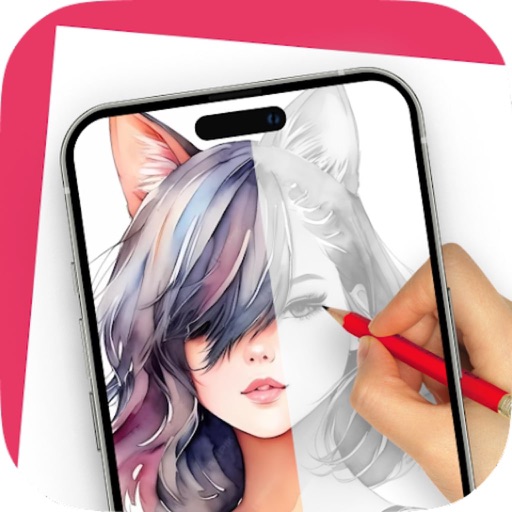
On paper using AR camera to trace sketches. Access templates and gallery photos for reference. Adjust line thickness and color. Save and share drawings directly.