Smart AI categorization organizes photos into categories like portraits, groups, and scenes. Automatically sorts images by date, location, and subject. Deletes duplicates and low-quality images. Frees up space and improves photo retrieval.
Capture and save webpage screenshots of the visible area or length. Annotate and share captures. Remove unwanted elements for a clean view. Save and organize screenshots for later use.
Smart duplicate detection identifies and deletes identical or similar photos. Clean up screenshots and reclaim storage . All analysis occurs locally on the device to protect privacy.
Edit screenshots with customizable backgrounds and size adjustments. Apply preset ratios for optimal display. Share enhanced images directly from the .
Write with AI, translate instantly, polish grammar
Offers real-time grammar corrections, style suggestions, and instant translation between languages. Users can switch between languages, predict text input, and refine messages for clarity and fluency.
Manage storage by identifying and removing duplicate, blurry, and large media files. View detailed file size statistics. Organize , videos, and other content. unnecessary files to free up space.
APPAS SOLUTIONS, SOCIETATEA CU RASPUNDERE LIMITATA
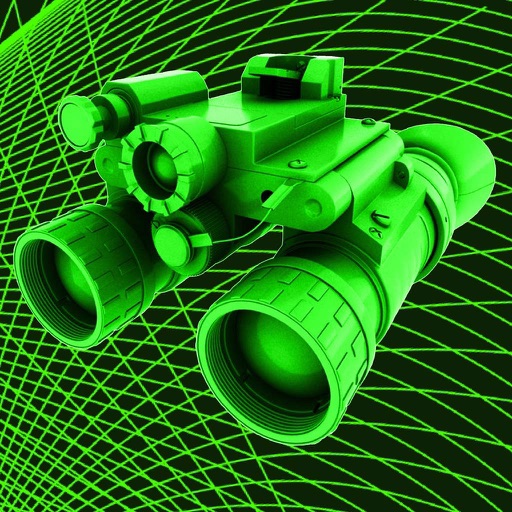
Capture low-light scenes with infrared and thermal
Take photos in low light using three modes. Capture infrared, X-ray, and thermal effects. Zoom in with binoculars and apply temperature effects. Adjust settings for optimal visibility in environments.
Save and share screenshots in PDF, XLS, MP4, or GIF formats. Edit photos with filters and cropping. files locally or share via WhatsApp and other apps.
Organize iPhone storage by deleting duplicate photos, removing screenshots and bad shots, and cleaning up large or old videos. Compress videos to save space. Hide private photos in a password-protected folder. Merge contacts and free up device space.
Arthur Eduardo Skaetta Alvarez Desenvolvimento de Software LTDA.
Search and organize screenshots with AI
Organize and manage screenshots with search by text and AI-powered keyword recognition. Group screenshots into custom galleries by subject. Automatically import new screenshots and sort them into folders. Share or delete individual images directly.
Learn to use with step-by-step setup instructions for macOS, Windows, and Linux. Explore all shortcuts and hotkeys for AI editing and terminal commands. Access AI autocomplete and inline code suggestions for faster coding.
The app allows users to view live video from IPCameras without complex network setup. It supports two-way audio, screenshots, and real-time recording with playback capabilities.