Apps Like Mextures Photo Editor for iPhone and iPad
Apply textures light leaks and gradients
The app applies dust, film grain, textures, light leaks, and gradients to images. Users can edit photos with professional tools and save edits for future use.
by MEREK DAVIS COM, LLC★ 3.3265 ratingsPhoto & Video$1.99Data updated 2026-11-14
Create videos from images or text with realistic animations. Generate AI art and edit photos with advanced tools. Export and share content directly to social platforms.
Upscale photos by 2×, 4×, or 8× using AI. Repair low-resolution images, retouch faces, and apply advanced enhancements. Supports macOS Tahoe 26 and works efficiently on M1/M2/M3/M4 chips. Export enhanced images directly.
Create short videos by arranging clips, adding music, and applying effects. Edit footage instantly without complex tools. Save videos to camera roll or share via email, Twitter, and Facebook.
Create social media graphics using pre-designed templates. Choose from layouts for collages, banners, invitations, business graphics, posters, quotes, and profile photos. Customize designs with text, images, and color adjustments.
The app offers photo editing tools including insta square, color splash, and collage maker. Users can create unique photos with various filters, effects, and text options.
Capture photos and videos with one tap using AI technology. Apply film simulation to reduce sharpness and simulate film sensitivity. Adjust filters and styles freely. Enhance colors intelligently for vivid results.
Edit photos with 60+ high quality filters and 10 types of grain effects. Adjust exposure, shadows, and contrast. Add bloom for highlights and soften the image. Export edited photos in various formats.
Apply lo-fi and retro filters to photos and videos. Choose from instant camera, hipster, disposable, and styles. Add grain, vignette, dust, and light leaks. Customize color filters and presets. Save and share edited content.
Create image compositions with layers, shapes, and text. Edit photos with touch-up tools and painting features. Add filters and adjustments. Export in various formats and share directly.
Convert negatives to digital photos with high resolution. Edit images with advanced tools including filters, cropping, and adjustments. Save and share edited photos in multiple formats.
Edit photos with 12 blend modes including overlay, multiply, difference, and exclusion. Combine foreground images from a growing library of over 400 options. Export and share edited creations.
Take black and white photos with live preview. Use colored lens filters and professional conversion settings. Adjust contrast, brightness, and exposure in real time. Add film grain and black vignetting. Export images to social media and email.
Create Instagram stories and highlights with 1000+ templates and collages. Apply 100+ filters and presets to photos and videos. Use 50+ fonts for text. Export in high quality. Add 200+ highlight cover designs.
Create original images using light effects. Apply light leak filters to add unique textures. Adjust brightness and contrast for enhanced visuals. Share edited photos directly to social media.
Edit with film filters, light leaks, and grain effects. Apply motion blur and blur. Adjust colors using a magic color tool. Export edited images in various formats.
Convert rectangular photos to (1:1) or portrait (4:5) formats. Select media, choose layout options, and share directly. Add white frames and adjust background colors for clean, framed visuals.
Create film-style videos from photos or capture new moments with a vintage camera. Apply retro filters, use customizable aesthetic templates, and edit videos with timeline controls. Share finished videos directly to social media.
Edit photos with filters, effects, and backgrounds. Create collages and layouts with ready-made designs. Crop and mirror images for social media. Add text and frames. Share edited photos directly to WhatsApp and Instagram.
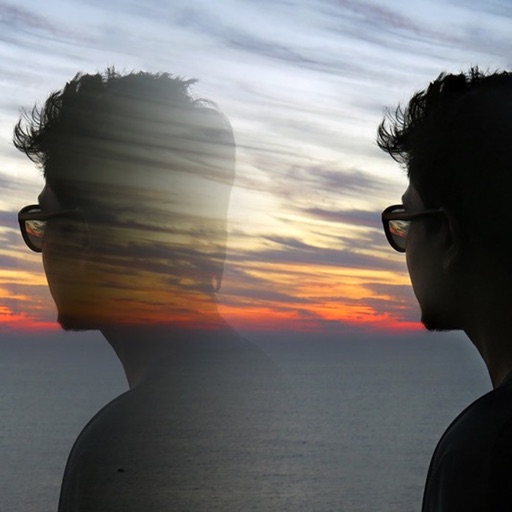
The app allows users to combine two images using various blend modes. Users can select photos from their device or the web and adjust layer transparency.