Apps Like AR Drawing: Simply Draw, Trace for iPhone and iPad
And color to create art
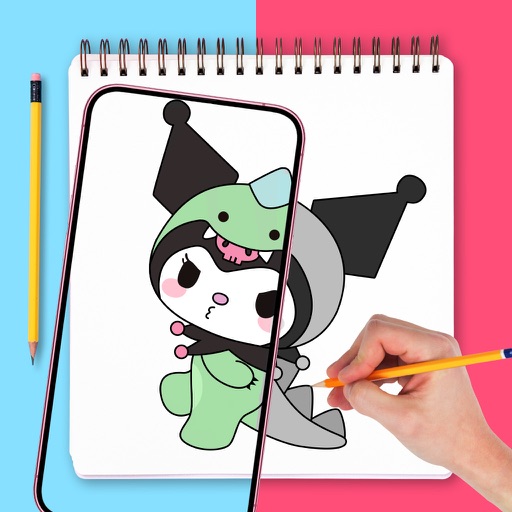
Use phone camera to project images onto surfaces for tracing. Access templates for drawing and coloring. Color traced images to create artwork. Share finished drawings directly.
by Ravkat Abdusatarov★ 4.631 ratingsEntertainmentFreeData updated 2026-09-06
In 3D using augmented reality. and design in real-time with intuitive tools. Adjust lighting and perspective. Export creations in various formats. Collaborate in real-time with others. Sync projects across devices.
Generate AI art from text prompts using Stable Diffusion technology. Create and edit images, emojis, and videos. Download and share artwork directly. Convert ideas into visual masterpieces with advanced AI tools.
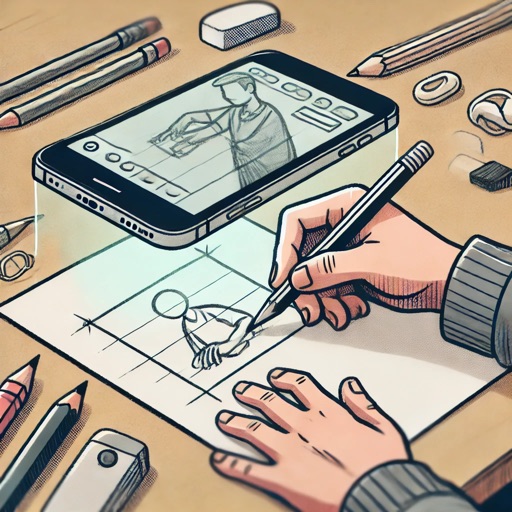
Use augmented reality to draw on any surface. Trace outlines, adjust colors, and add textures. Save and share drawings. Access tutorials for beginners. Export in various formats.
Create drawings by tracing images from the 's library or photos. Adjust line thickness and color. Add text and graphical elements. Export drawings in multiple formats. Share completed artwork directly.
Create drawings with Apple Pencil support. Use grid or lined backgrounds. over existing images. Save square images. Add widgets to showcase drawings on the home screen. Enable multitasking and multi-window features on iPadOS.
Create flipbook animations with frame-by-frame drawing. Use pressure-sensitive pen and eraser tools for artistic effects. Edit with undo/redo features. Add predefined animations and effects. Export and share finished projects.
PRET A TEMPLATE CRIACAO E COMERCIALIZACAO DE SOFTWARE DE MODA LTDA
Sketch, prototype, and design fashion collections
Create fashion designs from sketches to professional collections. Use intuitive tools for drawing, prototyping, and developing products. Access realistic templates and research features. Build portfolios with organized workflows.
Create artwork using text prompts and style choices. Generate unique images in seconds. Explore various artistic styles. Save and share finished pieces. Edit and refine generated art.
The app converts photos into pencil sketches and offers a collection of coloring pages. Users can select photos from their album or take new ones with the camera to create sketches.
Receive a new shape daily to use as a creative foundation. on the shape with customizable colors and tools. Save, share, or export artwork in various formats. Access daily prompts to inspire artistic exploration.