

Apps Like EasyEraser — AI Remove Objects for iPhone and iPad
EasyEraser — AI Remove Objects screenshots
Ranked alternatives
Showing 401–420 of 1,000 ranked alternatives.



Food Picture Camera PRO
Quantis, Inc.
Edit photos with one-touch filters
Edit photos with one-touch filters for vivid, delicious results. Adjust brightness, contrast, and saturation. Add text overlays and stickers. Share edited images directly to social media or blogs.

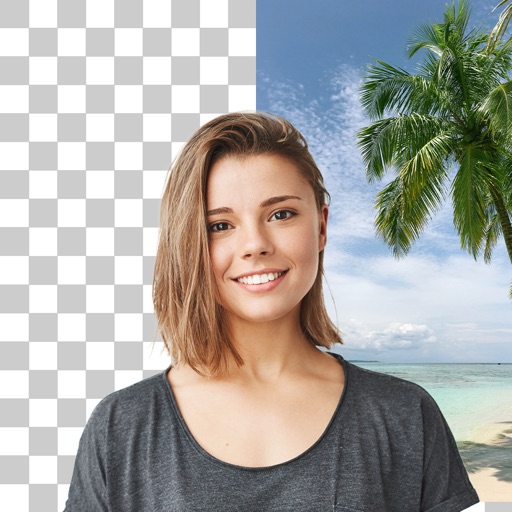
Photo Editor + Eraser
Avanquest North America
Edit photos, create collages, erase objects, replace
Edit photos with cropping, filters, and adjustments. Remove unwanted objects or people using the Magic tool. Replace backgrounds to create montages. Create collages with pre-designed templates. Export edited photos in multiple formats.


Eraser Ai - Background Remover
Cheese Quake LLC
Edit backgrounds with magic
Edit images to remove or replace backgrounds using magic , auto cutout, and precision tools. Isolate objects, add new backdrops, and adjust shadows. Export edited photos for social media and online platforms.

Click 2 Crop
Boris Glazer
Photos with one
Photos with a single . Resize and optimize images effortlessly. Preview edits in real time. Adjust colors, rotate, and sharpen images. Remove unwanted areas or zoom in with precision. Share edited photos directly.



Frames Creative PIP in Photo
Triple Earth Pty Ltd
Combine photos with unique real frames.
The app offers over 60 unique PIP Real Life frames for transforming portraits and selfies. It allows users to combine multiple photos in one frame without grids and add adjustable text labels to pictures.

Presetify: Lightroom Presets
MefjuDev LLC
Edit photos with professional
Apply -style to photos for instant professional edits. Choose from 105+ categories with over 950 . Adjust brightness, contrast, and color tones. Export edited images in various formats. Share directly to social media or save to device.


How we rank alternatives
Apps are ranked by functional similarity, category fit, rating confidence, and popularity.