Apps Like Auto Paste Keyboard - Copied for iPhone and iPad
Templates instantly
Create and save unlimited text templates for quick reuse. templates instantly with a tap. Manage and organize templates efficiently. Use tap and hold to send templates multiple times.
by ENGINES STUDIO LAB★ 4.5193 ratingsUtilitiesFreeData updated 2026-09-06
Take notes with handwriting, typing, or PDF annotations. Use customizable covers and templates. Choose from 10+ pens and brushes. Adjust pen thickness and color. Draw shapes and lines. Export notes in multiple formats.
Type in English to generate words using transliteration. Access word predictions for both and English. Switch between languages with a dedicated key. Use an emoji button after pressing 123. Enable the in settings and activate it for use.
Create a customizable CV using pre-designed templates. Fill in personal and professional details to generate a PDF document. Share the CV via WhatsApp, LinkedIn, Mail, or Telegram. Access tips to improve CV content and style.
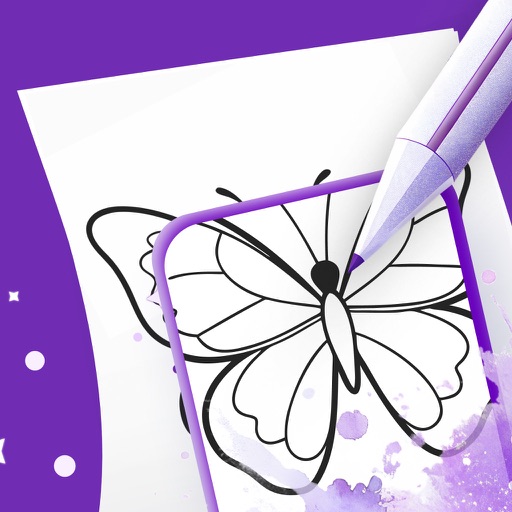
Use your phone camera to projected images on paper and add color. Choose from templates like animals, cars, and nature. Includes a built-in flashlight. Share finished drawings with friends.
Create professional PDF resumes with customizable templates. Preview documents, get job description suggestions, and access writing tips. Purchase premium templates for enhanced customization. Export resumes in PDF format.
Turn your into a for quick math operations. Perform basic and advanced calculations directly in any . Input numbers and equations using the on-screen . Get results instantly without switching apps or copying values.
Convert units and currencies across hundreds of categories with real-time exchange rates updated every 6 hours. Calculate mortgages, loans, tips, and fuel consumption. Edit, create, or download customizable templates for various conversions.
Generate text based on prompts with AI assistance. Create outlines, draft emails, and refine academic papers. Offer templates for essays, stories, and emails. Provide grammar checks and suggestions for clarity and style.
Create certificates with pre-designed templates and customizable text. Add logos and messages for appreciation or thanks. Export as PDF or image. No design skills needed.
Create unlimited surveys and polls without cost. Build from scratch, using AI or templates. Choose from 50+ question types, including advanced options. Use features like pipe answer, skip logic, and randomization.
Scan QR codes and barcodes instantly by aiming the camera. Create custom QR codes with preset templates and color options. Export high-definition PNGs to the photo album. Share scan results and creations with others.
Create ID photos compliant with , visa, and ID card standards. Use smart templates to match exact dimensions and requirements. Automatically adjust lighting, background, and alignment for document-ready results.
Store and access frequently used text snippets instantly. Tap to copy any entry to your . Organize clips into categories for quick retrieval. Share copied text directly from the .
Select animator story templates for social media. Upload and customize photos with design elements. Create animations with one-click export and share directly.
Type and customize text with predictive suggestions and auto-correction. Switch between multiple layouts. Access emoji, GIFs, and stickers. Customize themes and layouts.
Create and send personalized greeting cards with customizable background templates and text. Share messages on social platforms or via direct links. Celebrate special occasions with pre-designed seasonal wishes.
Allows typing in using English letters with transliteration. It provides word predictions for both and English. Users can switch between languages using a language key. Emoji access is available after pressing 123.