Create art on walls, floors, and ceilings using augmented reality. paint with realistic simulation that changes intensity based on distance. Customize colors and patterns. Save and share artwork directly.
by Philippe Zay★ 4.02 ratingsGraphics & Design$1.99Data updated 2026-10-24
Edit photos, create avatars, generate digital artwork
Edit photos with AI-powered effects, including 3D avatars, anime-style portraits, and pencil sketch filters. Customize artwork with color adjustments and effects. Export and share transformed images directly.
Apply colors to walls using real-time visualization. Select and adjust colors with one tap. Preview color changes in AR. Save and share color schemes. Sync with smart home devices for lighting integration.
Convert text into images using AI. Enhance photos with AI elements. Increase resolution for detailed visuals. Position images with precise control. Edit and refine AI-generated art. Export final designs in various formats.
Create digital art from text prompts by selecting an art style. Generate AI avatars, pet avatars, cartoons, movie characters, star signs, monuments, and icons. Export and share the resulting artwork.
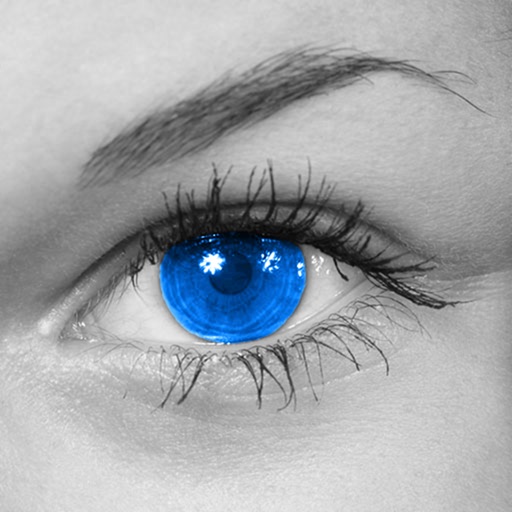
Convert grayscale or black and white images to using selective recoloring. Select and capture images, pan and zoom for precise editing. Adjust brush size and opacity. Apply 200+ filters. Preview changes in real time. Redo or undo edits.
The app allows users to draw on a blank canvas or import photos. Users can add stickers, text, and shapes, choosing from various brush colors and sizes to create unique artwork.
Automatically pixelates faces and blurs sensitive content in photos using smart auto blur. Users can hide or reveal faces with a single tap. Manual editing allows adjusting filters like pixelate, blur, mosaic, and crystallize.
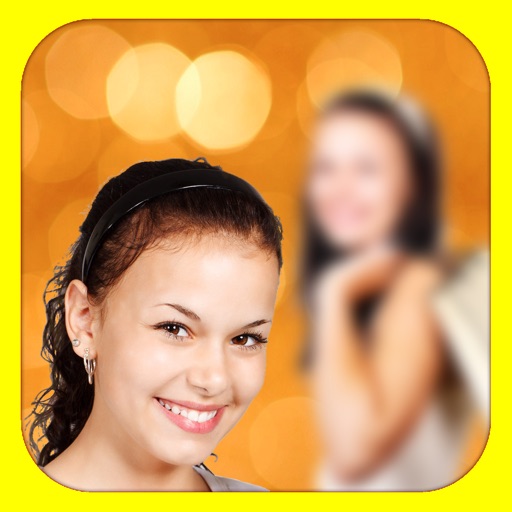
The app adds depth of field to images, creating realistic blurs with Bokeh effects. Users can adjust blur amount, paint focus areas, and share creations on social media or save them.
The app allows users to view INSA's hand-painted animated murals in real life using augmented reality. This platform brings the artist's unique GIF-ITI creations to life through a physical painting process and digital overlay.
The app converts photos to grayscale while allowing users to selectively recolor areas. Users can paint, zoom, and erase to create color splash images.
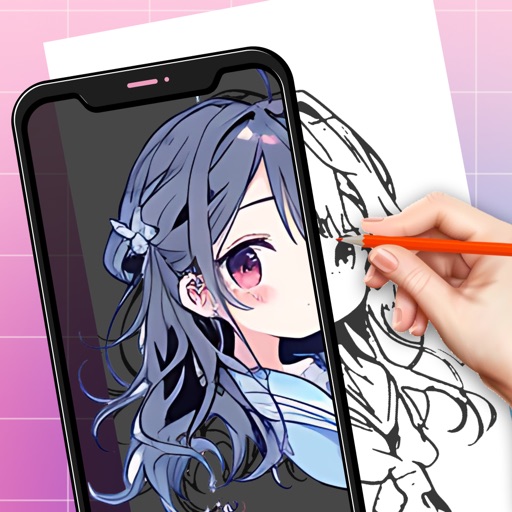
Learn to draw cartoon characters starting with simple shapes like circles and rectangles. Follow step-by-step guides to color line drawings using various brushes. Access templates for food, fairytale characters, and more.
Digital with customizable backgrounds. Add text with adjustable fonts, colors, and borders. Draw on photos or include images that can be moved, rotated, and scaled. Save and share finished designs through social media apps.
Create art using with 2-fold to 128-fold options. Draw patterns or let the generator create designs. Adjust brush size and style. Share creations on Facebook, Twitter, Instagram, and other platforms.
Create digital paintings using a brush for intricate curves and unique patterns. Adjust brush settings for different effects. Combine brush with regular brush for varied artwork. Export and share finished drawings.